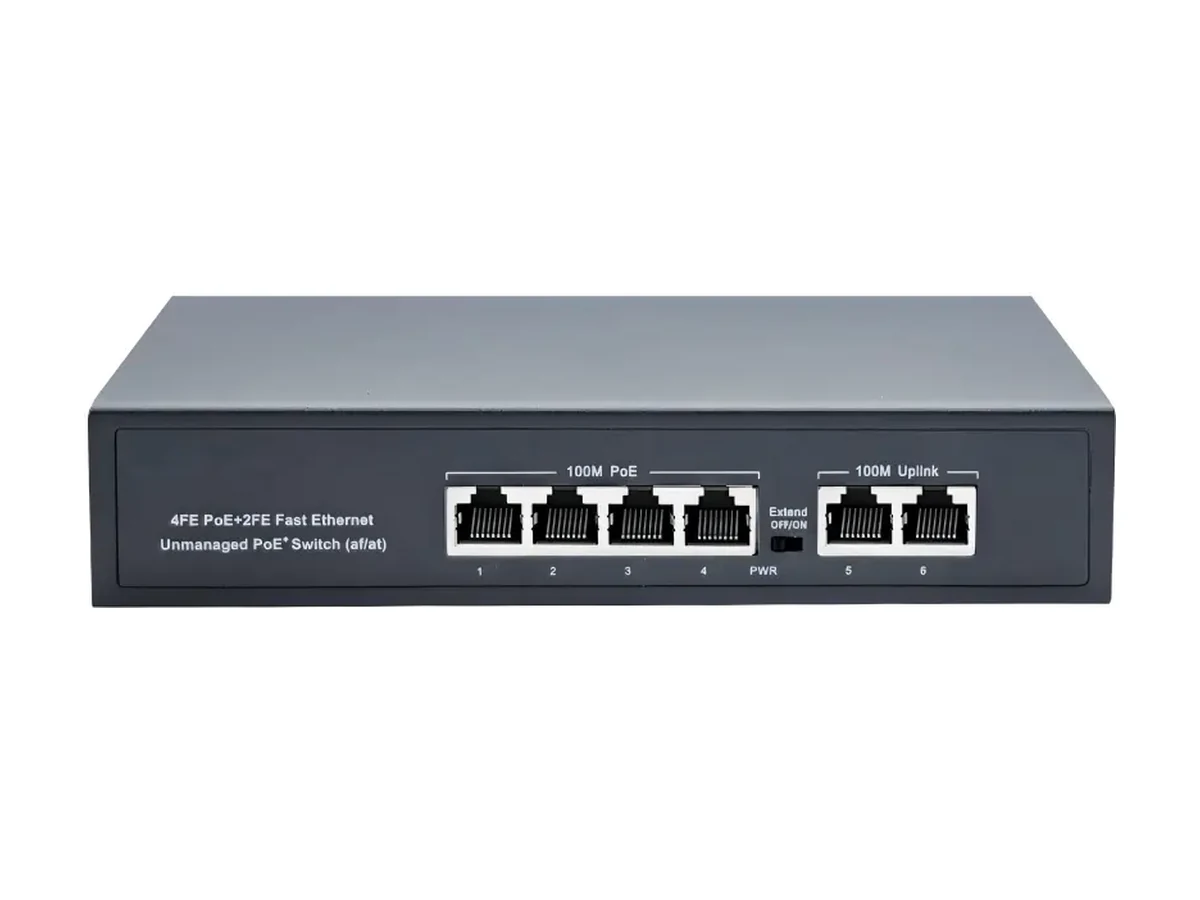
HX-0402PE
4+2-Port 100M PoE Switch
- Ports
- 4
- Budget
- 65W
Product category
Quick answer
The right PoE switch for an IP camera system is chosen by watts, not by ports. Add up the draw on the camera labels at peak — a fixed dome is about 6 W, an 802.3af device 15.4 W, a PTZ head 25 W — keep 20% spare, then pick the smallest switch whose budget covers the total. Ports are the ceiling; the budget is the limit you actually hit.
A camera network fails at the power supply far more often than at the port count. The camera labels are printed in watts and the switch is sold in ports, so the two numbers get compared in the wrong order — then the first cold night with heaters and IR on takes the far end of the site down.
The 20 models here are the same platform described by port count: 4 to 24 powered ports, 65–400 W budgets, 100M and gigabit access, with copper or SFP uplinks. Which one fits your site depends on how many cameras you have and what each one draws.
Every figure below comes from the current product data. Click a model to open its full specification page.
| Model | Network Ports | Uplink Ports | Power |
|---|---|---|---|
| HX-0402PE4+2-Port 100M PoE Switch | 4 × 10/100Base-T(X) adaptive PoE Ethernet ports | 2 × 10/100Base-T(X) adaptive Ethernet ports | 65W |
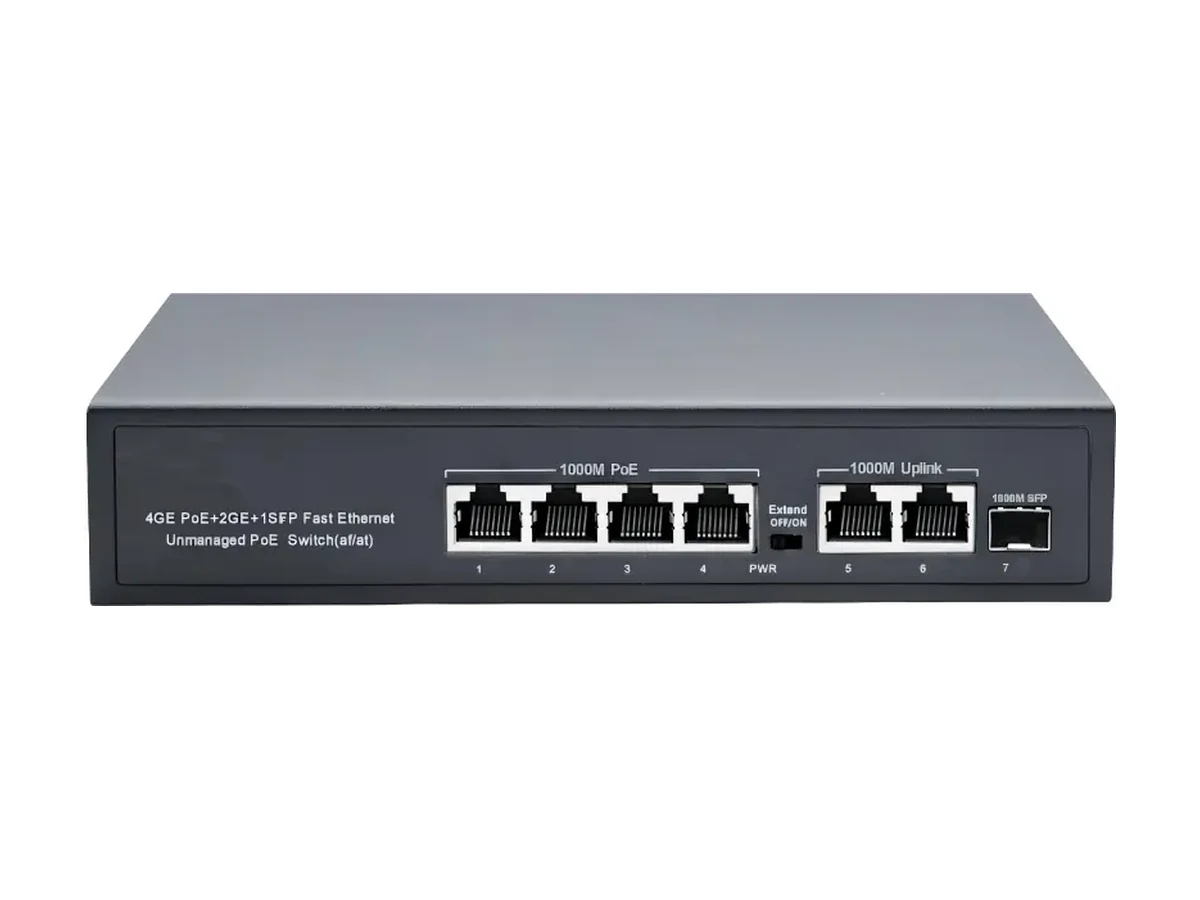
| HX-0403PEG4+2+1-Port Gigabit PoE Switch | 4 × 10/100/1000Base-T(X) adaptive PoE Ethernet ports | 2 × 10/100/1000Base-T(X) adaptive Ethernet ports 1 × 1000Base-X SFP fiber port | 65W |
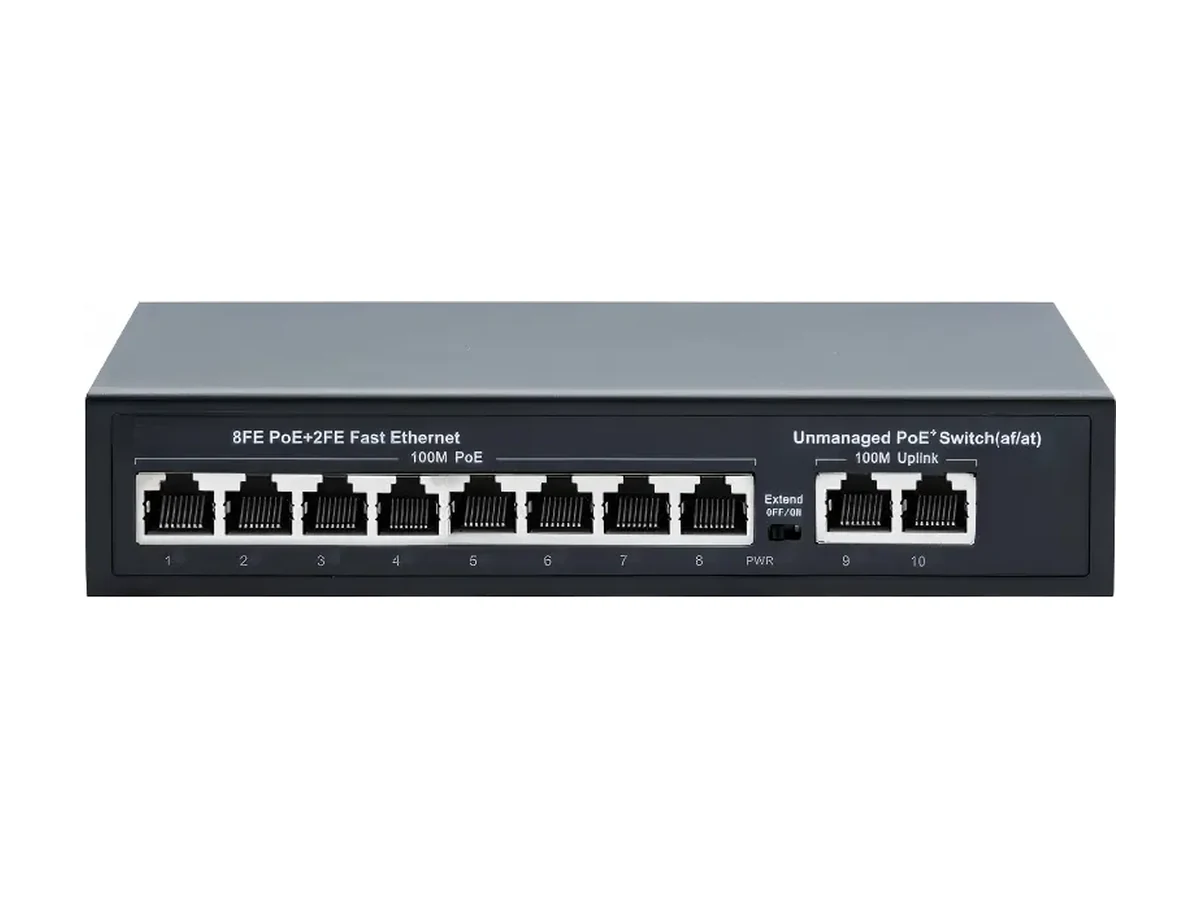
| HX-0802PE8+2-Port 100M PoE Switch | 8 × 10/100Base-T(X) adaptive PoE Ethernet ports | 2 × 10/100Base-T(X) adaptive Ethernet ports | 120W |
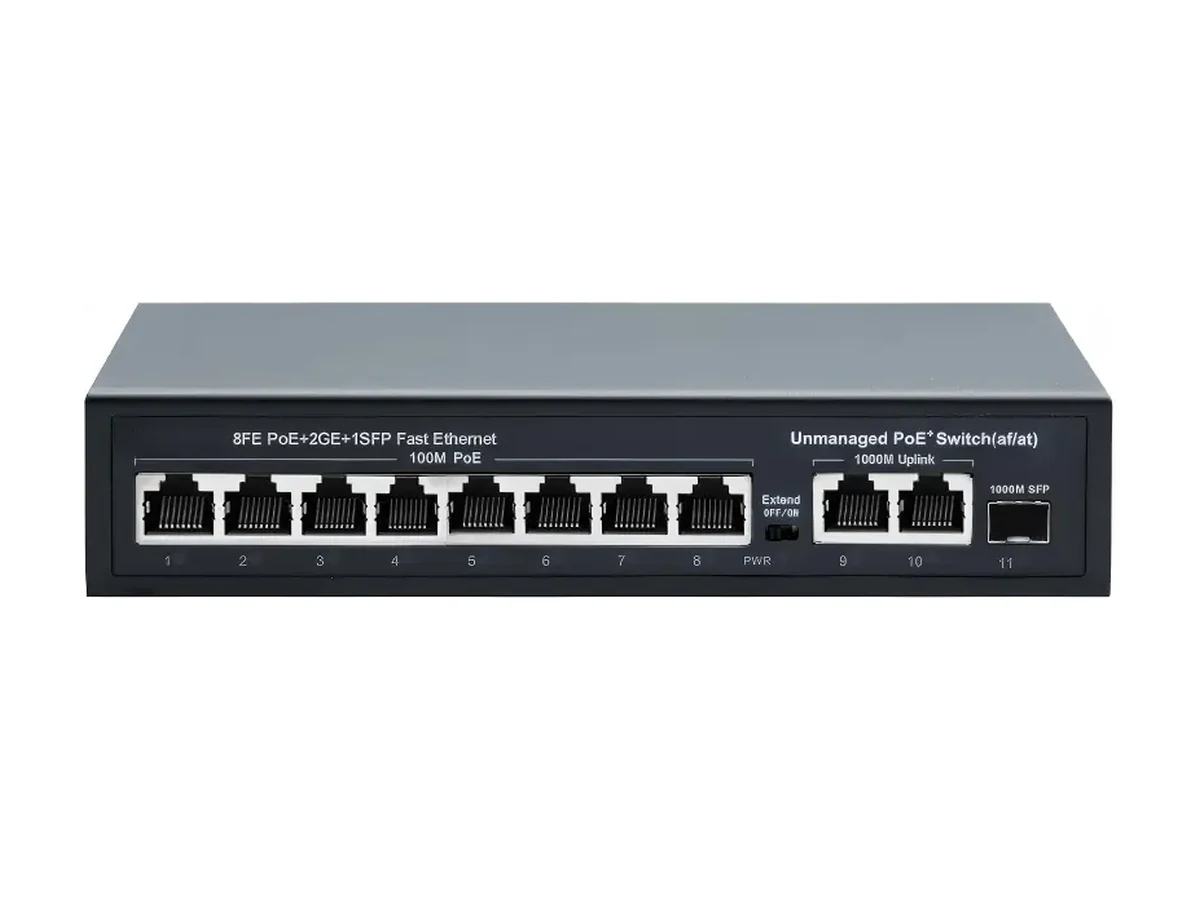
| HX-0803PE8+2+1-Port 100M PoE Switch | 8 × 10/100Base-T(X) adaptive PoE Ethernet ports | 2 × 10/100/1000Base-T(X) adaptive Ethernet ports 1 × 1000Base-X SFP fiber port | 120W |
| HX-0803PEG8+2+1-Port Gigabit PoE Switch | 8 × 10/100/1000Base-T(X) adaptive PoE Ethernet ports | 2 × 10/100/1000Base-T(X) adaptive Ethernet ports 1 × 1000Base-X SFP fiber port | 120W |
| HX-1603PE16+2+1-Port 100M PoE Switch | 16 × 10/100Base-T(X) adaptive PoE Ethernet ports | 2 × 10/100/1000Base-T(X) adaptive Ethernet ports 1 × 1000Base-X SFP fiber port | 330W |
| HX-1603PEG16+2+1-Port Gigabit PoE Switch | 16 × 10/100/1000Base-T(X) adaptive PoE Ethernet ports | 2 × 10/100/1000Base-T(X) adaptive Ethernet ports 1 × 1000Base-X SFP fiber port | 330W |
| HX-2404PE24+2+2-Port 100M PoE Switch | 24 × 10/100Base-T(X) adaptive PoE Ethernet ports | 2 × 10/100/1000Base-T(X) adaptive Ethernet ports 2 × 1000Base-X SFP fiber port | 400W |
| HX-2404PEG24+2+2-Port Gigabit PoE Switch | 24 × 10/100/1000Base-T(X) adaptive PoE Ethernet ports | 2 × 10/100/1000Base-T(X) adaptive Ethernet ports 2 × 1000Base-X SFP fiber port | 400W |
| HX-D0802PE8+2-Port 100M PoE Switch | 8 × 10/100Base-T(X) adaptive PoE Ethernet ports | 2 × 10/100Base-T(X) adaptive Ethernet ports | 120W |
| HX-M0402PEAll-in-One 4+2-Port 100M PoE Switch | 4 × 10/100Base-T(X) adaptive PoE Ethernet ports | 2 × 10/100Base-T(X) adaptive Ethernet ports | 65W |
| HX-X0402PE4+2-Port 100M PoE Switch | 4 × 10/100Base-T(X) adaptive PoE Ethernet ports | 2 × 10/100Base-T(X) adaptive Ethernet ports | 65W |
| HX-X0402PEG4+1+1-Port Gigabit PoE Switch | 4 × 10/100Base-T(X) adaptive PoE Ethernet ports | 1 × 10/100/1000Base-T(X) adaptive Ethernet ports 1 × 1000Base-X SFP fiber port | 65W |
| HX-X0802PE8+2-Port 100M PoE Switch | 8 × 10/100Base-T(X) adaptive PoE Ethernet ports | 2 × 10/100Base-T(X) adaptive Ethernet ports | 120W |
| HX-X0802PG8+2-Port 100M PoE Switch | 8 × 10/100Base-T(X) adaptive PoE Ethernet ports | 2 × 10/100/1000Base-T(X) adaptive Ethernet ports | 120W |
| HX-X0803PEG8+2+1-Port Gigabit PoE Switch | 8 × 10/100/1000Base-T(X) adaptive PoE Ethernet ports | 2 × 10/100/1000Base-T(X) adaptive Ethernet ports 1 × 1000Base-X SFP fiber port | 120W |
| HX-X1603PE16+2+1-Port 100M PoE Switch | 16 × 10/100Base-T(X) adaptive PoE Ethernet ports | 2 × 10/100/1000Base-T(X) adaptive Ethernet ports 1 × 1000Base-X SFP fiber port | 200W |
| HX-X1603PEG16+2+1-Port Gigabit PoE Switch | 16 × 10/100/1000Base-T(X) adaptive PoE Ethernet ports | 2 × 10/100/1000Base-T(X) adaptive Ethernet ports 1 × 1000Base-X SFP fiber port | 200W |
| HX-X2403PE24+2+1-Port 100M PoE Switch | 24 × 10/100Base-T(X) adaptive PoE Ethernet ports | 2 × 10/100/1000Base-T(X) adaptive Ethernet ports 1 × 1000Base-X SFP fiber port | 300W |
| HX-X2403PEG24+2+1-Port Gigabit PoE Switch | 24 × 10/100/1000Base-T(X) adaptive PoE Ethernet ports | 2 × 10/100/1000Base-T(X) adaptive Ethernet ports 1 × 1000Base-X SFP fiber port | 300W |
Calculated from the published budget of each model with a 20% reserve kept for PoE start-up surge, IR load at night and ageing. The figure is capped by the powered-port count, so it never promises more devices than there are ports. Budgets are pooled — one 25 W PTZ takes what several 6 W domes would.
| Model | PoE ports | Budget | Fixed dome6 W label | Wireless AP8 W label | 802.3af device15.4 W class | PTZ / 802.3at device25.4 W class |
|---|---|---|---|---|---|---|
| HX-0402PE4+2-Port 100M PoE Switch | 4 | 65 W | 4 | 4 | 3 | 2 |
| HX-0403PEG4+2+1-Port Gigabit PoE Switch | 4 | 65 W | 4 | 4 | 3 | 2 |
| HX-M0402PEAll-in-One 4+2-Port 100M PoE Switch | 4 | 65 W | 4 | 4 | 3 | 2 |
| HX-X0402PE4+2-Port 100M PoE Switch | 4 | 65 W | 4 | 4 | 3 | 2 |
| HX-X0402PEG4+1+1-Port Gigabit PoE Switch | 4 | 65 W | 4 | 4 | 3 | 2 |
| HX-0802PE8+2-Port 100M PoE Switch | 8 | 120 W | 8 | 8 | 6 | 3 |
| HX-0803PE8+2+1-Port 100M PoE Switch | 8 | 120 W | 8 | 8 | 6 | 3 |
| HX-0803PEG8+2+1-Port Gigabit PoE Switch | 8 | 120 W | 8 | 8 | 6 | 3 |
| HX-D0802PE8+2-Port 100M PoE Switch | 8 | 120 W | 8 | 8 | 6 | 3 |
| HX-X0802PE8+2-Port 100M PoE Switch | 8 | 120 W | 8 | 8 | 6 | 3 |
| HX-X0802PG8+2-Port 100M PoE Switch | 8 | 120 W | 8 | 8 | 6 | 3 |
| HX-X0803PEG8+2+1-Port Gigabit PoE Switch | 8 | 120 W | 8 | 8 | 6 | 3 |
| HX-X1603PE16+2+1-Port 100M PoE Switch | 16 | 200 W | 16 | 16 | 10 | 6 |
| HX-X1603PEG16+2+1-Port Gigabit PoE Switch | 16 | 200 W | 16 | 16 | 10 | 6 |
| HX-1603PE16+2+1-Port 100M PoE Switch | 16 | 330 W | 16 | 16 | 16 | 10 |
| HX-1603PEG16+2+1-Port Gigabit PoE Switch | 16 | 330 W | 16 | 16 | 16 | 10 |
| HX-X2403PE24+2+1-Port 100M PoE Switch | 24 | 300 W | 24 | 24 | 15 | 9 |
| HX-X2403PEG24+2+1-Port Gigabit PoE Switch | 24 | 300 W | 24 | 24 | 15 | 9 |
| HX-2404PE24+2+2-Port 100M PoE Switch | 24 | 400 W | 24 | 24 | 20 | 12 |
| HX-2404PEG24+2+2-Port Gigabit PoE Switch | 24 | 400 W | 24 | 24 | 20 | 12 |
Method: floor(budget × 0.8 ÷ device draw), capped at the powered-port count.Run your own numbers in the PoE budget calculator →
HX-0402PE
HX-0403PEG
HX-0802PE
HX-0803PE
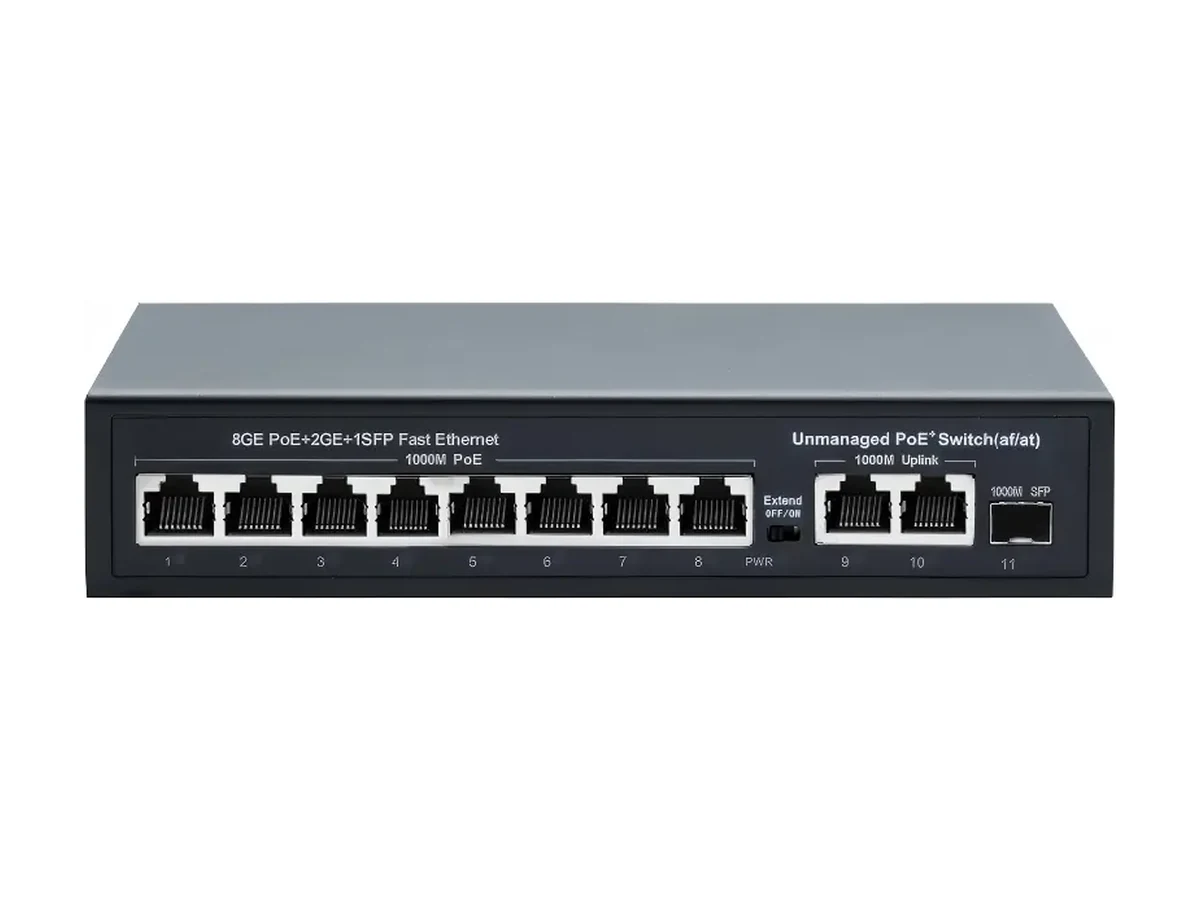
HX-0803PEG
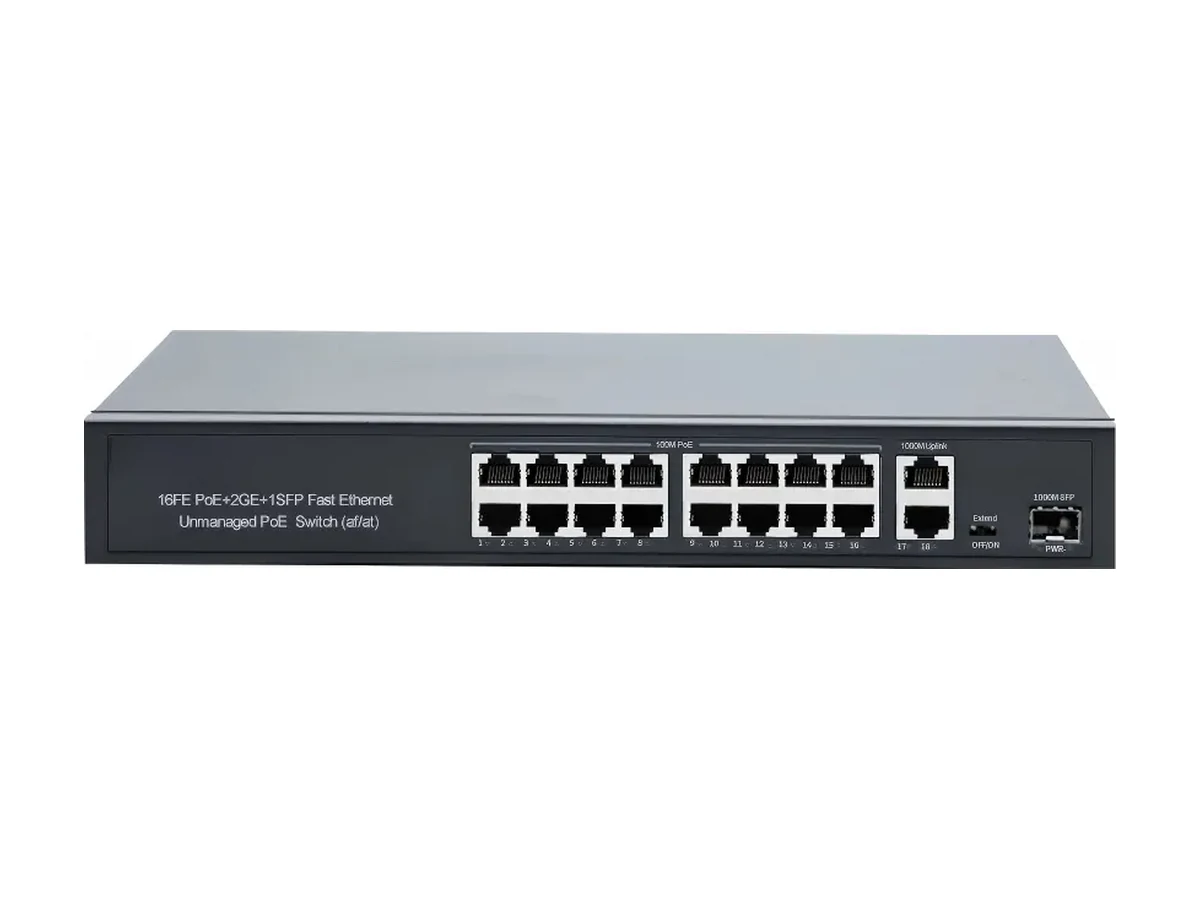
HX-1603PE
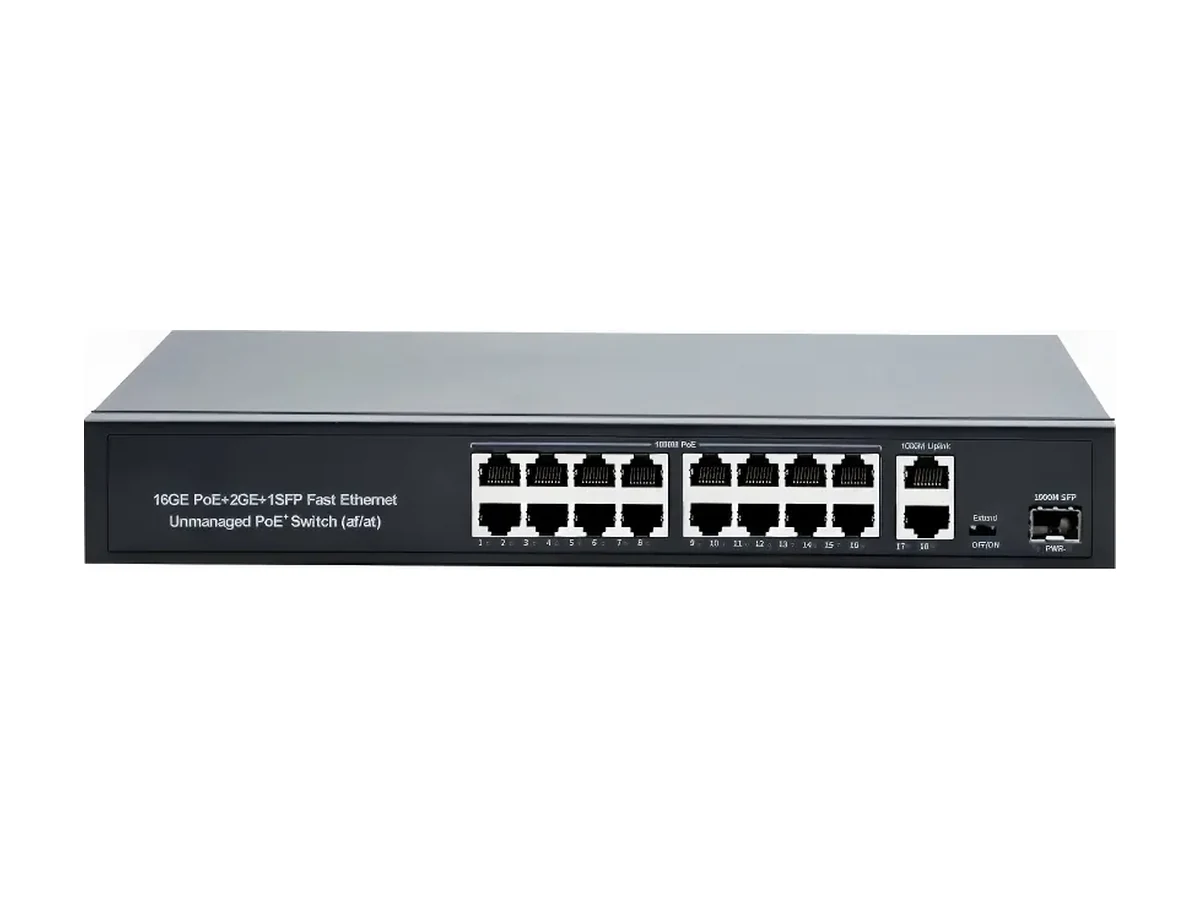
HX-1603PEG
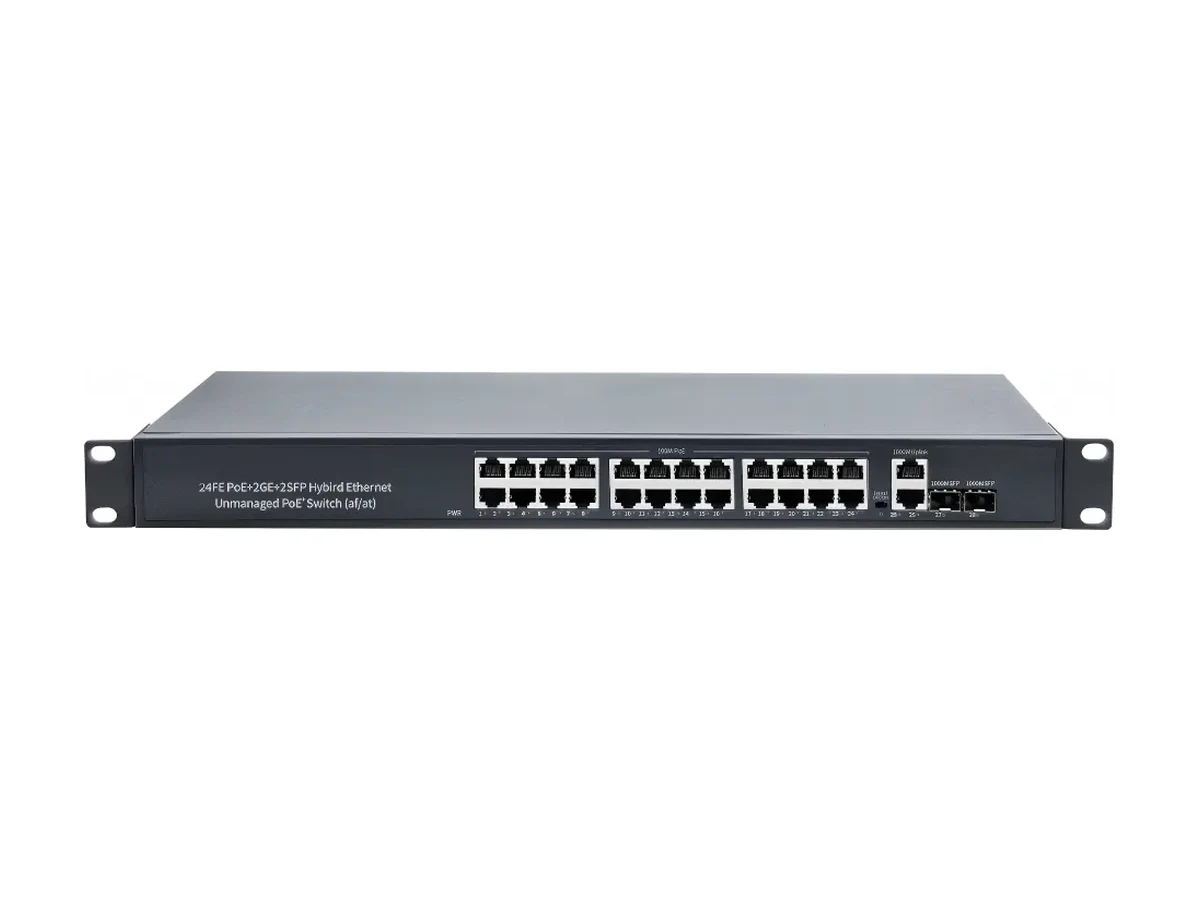
HX-2404PE
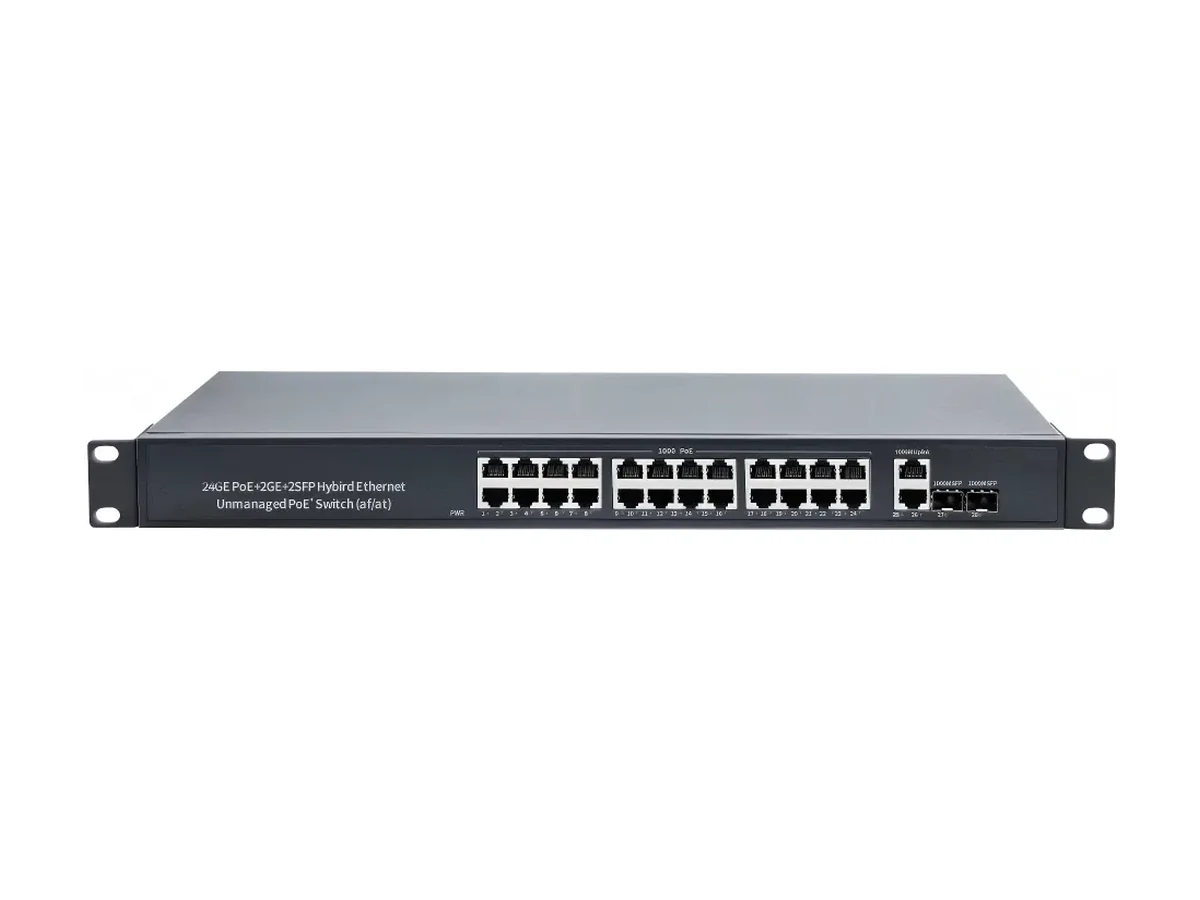
HX-2404PEG
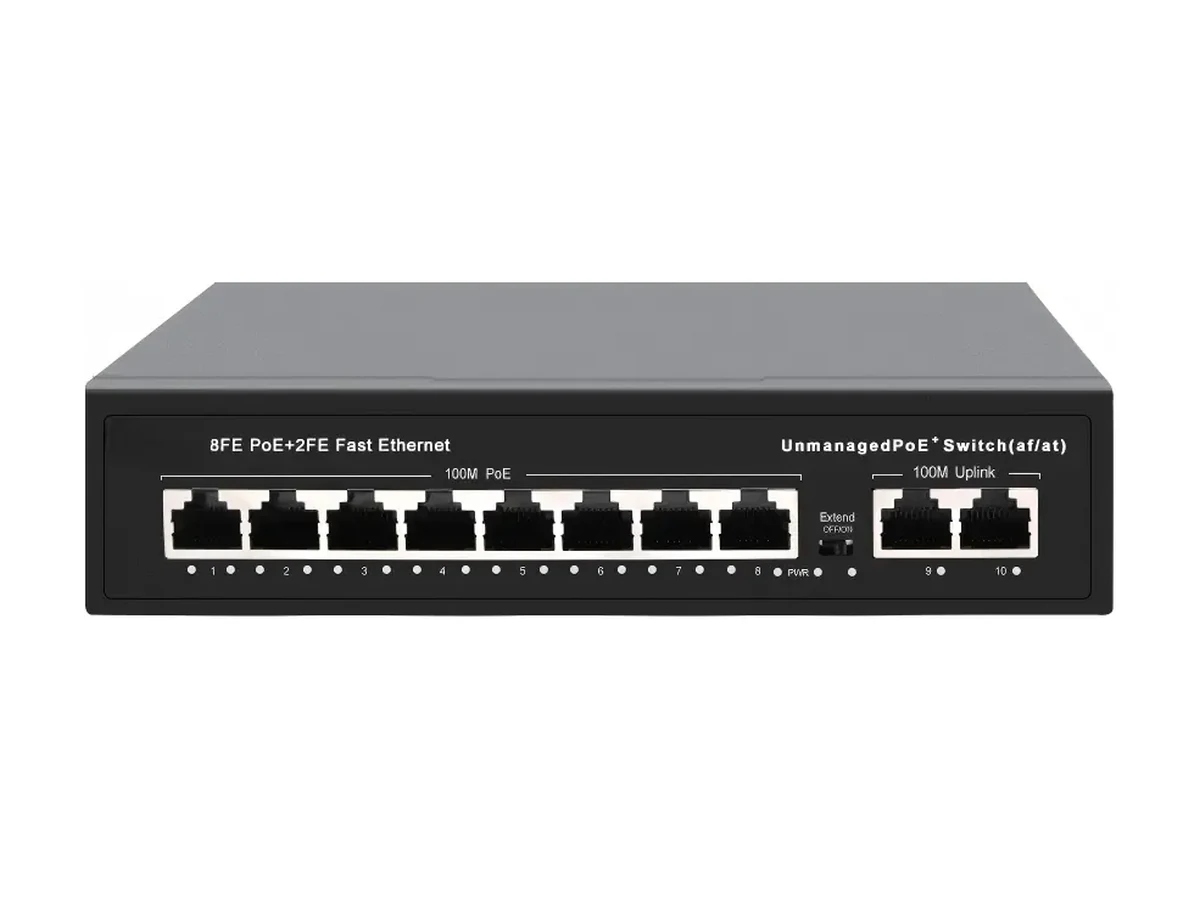
HX-D0802PE
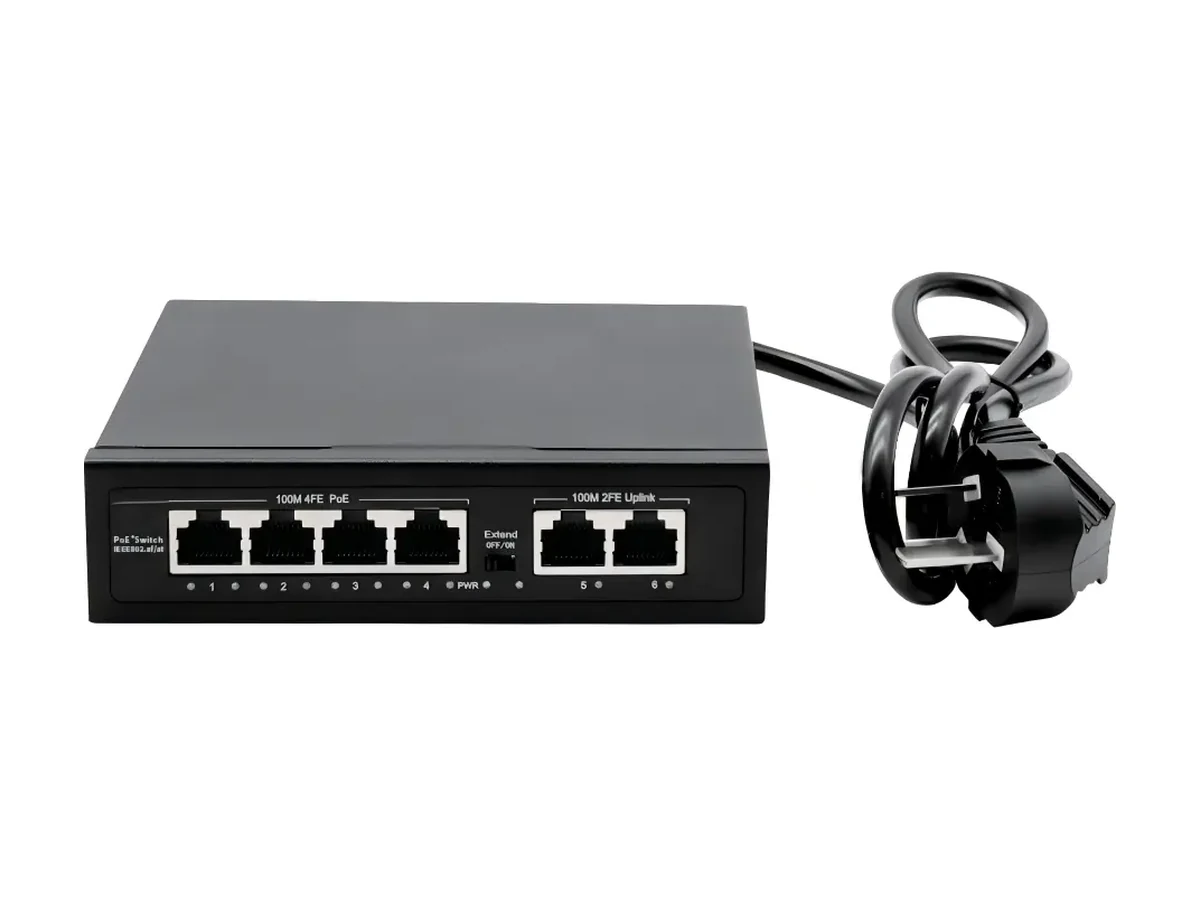
HX-M0402PE
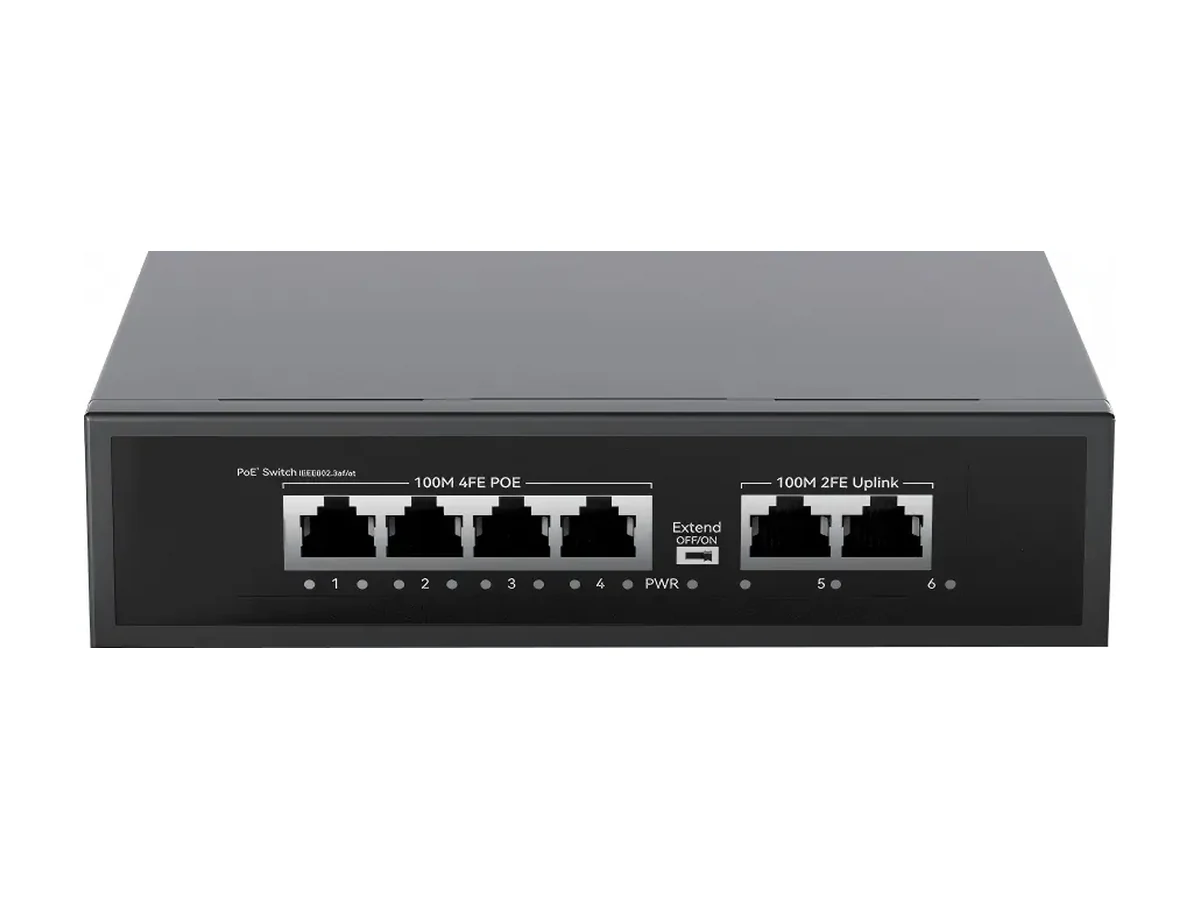
HX-X0402PE
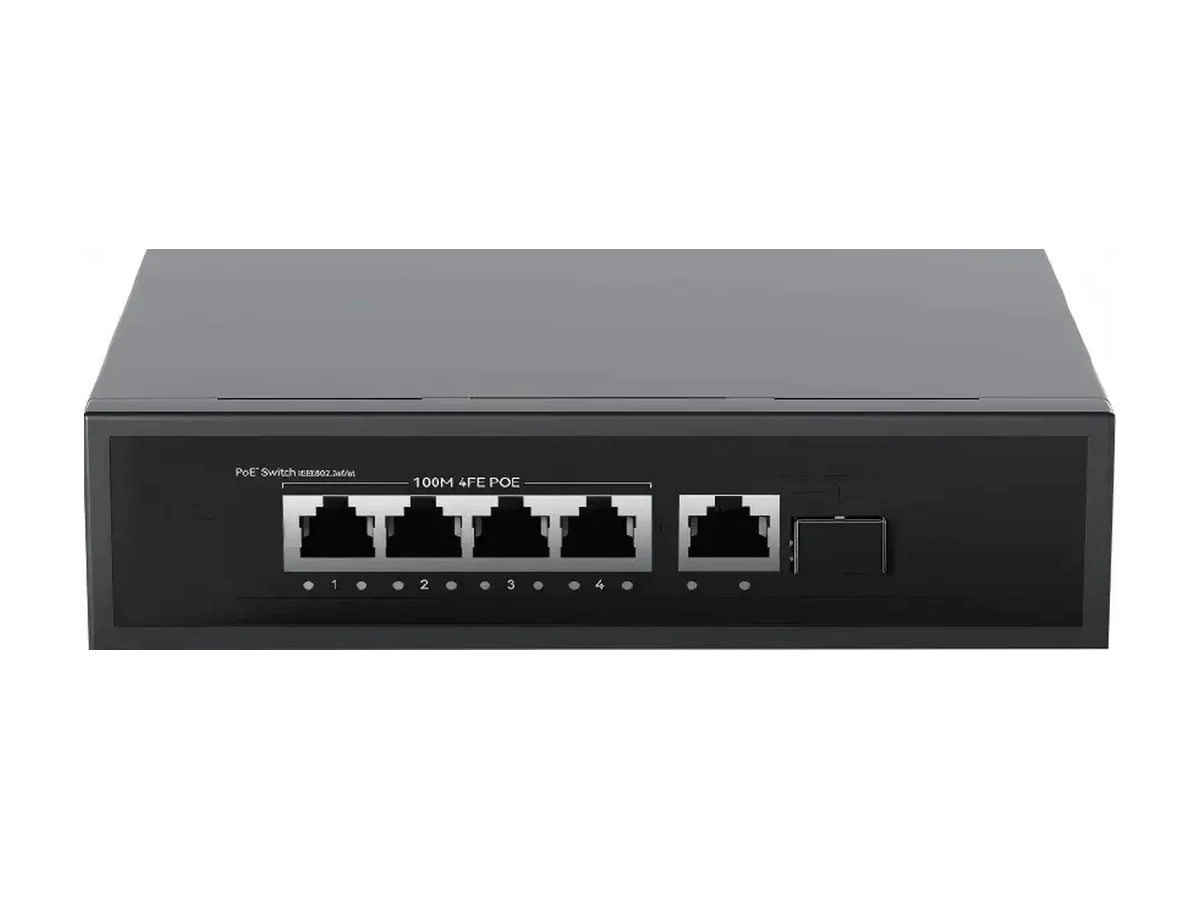
HX-X0402PEG
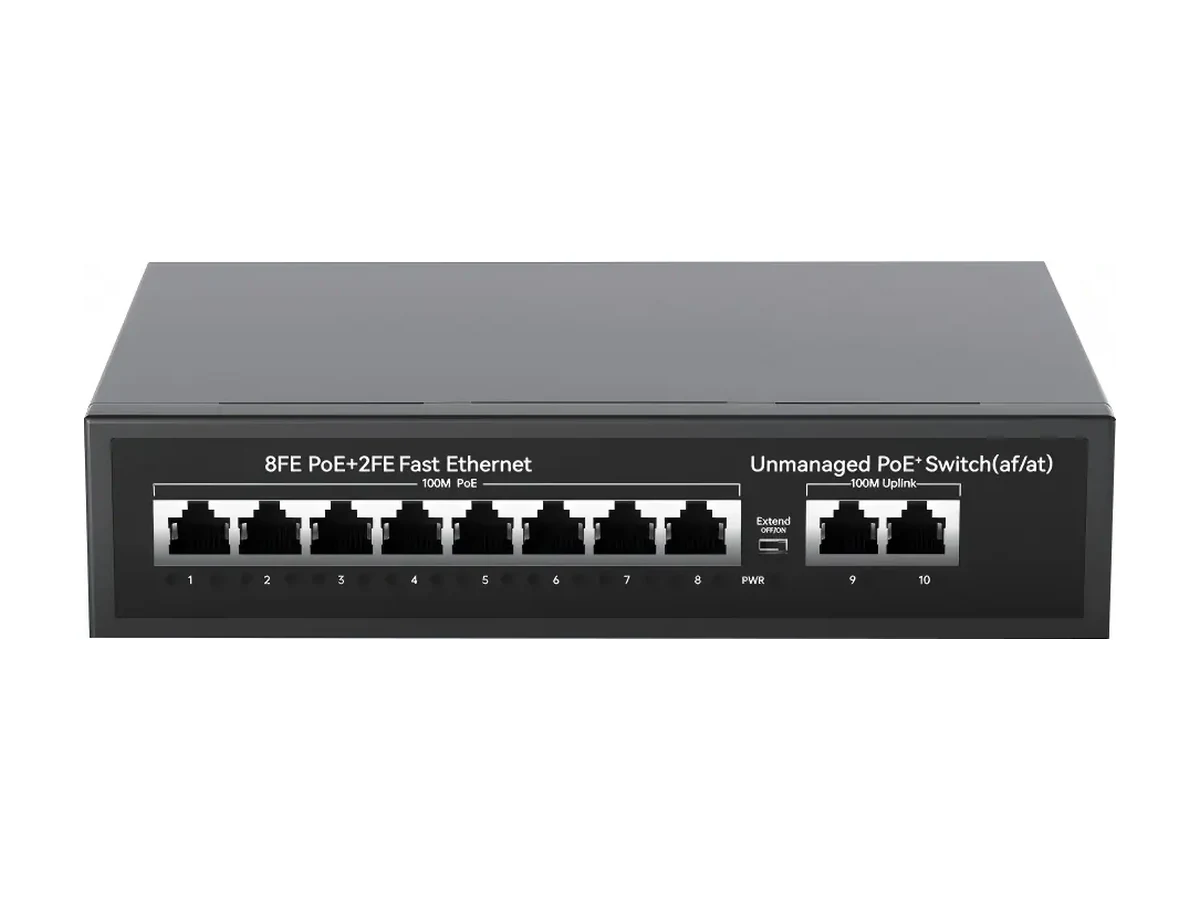
HX-X0802PE
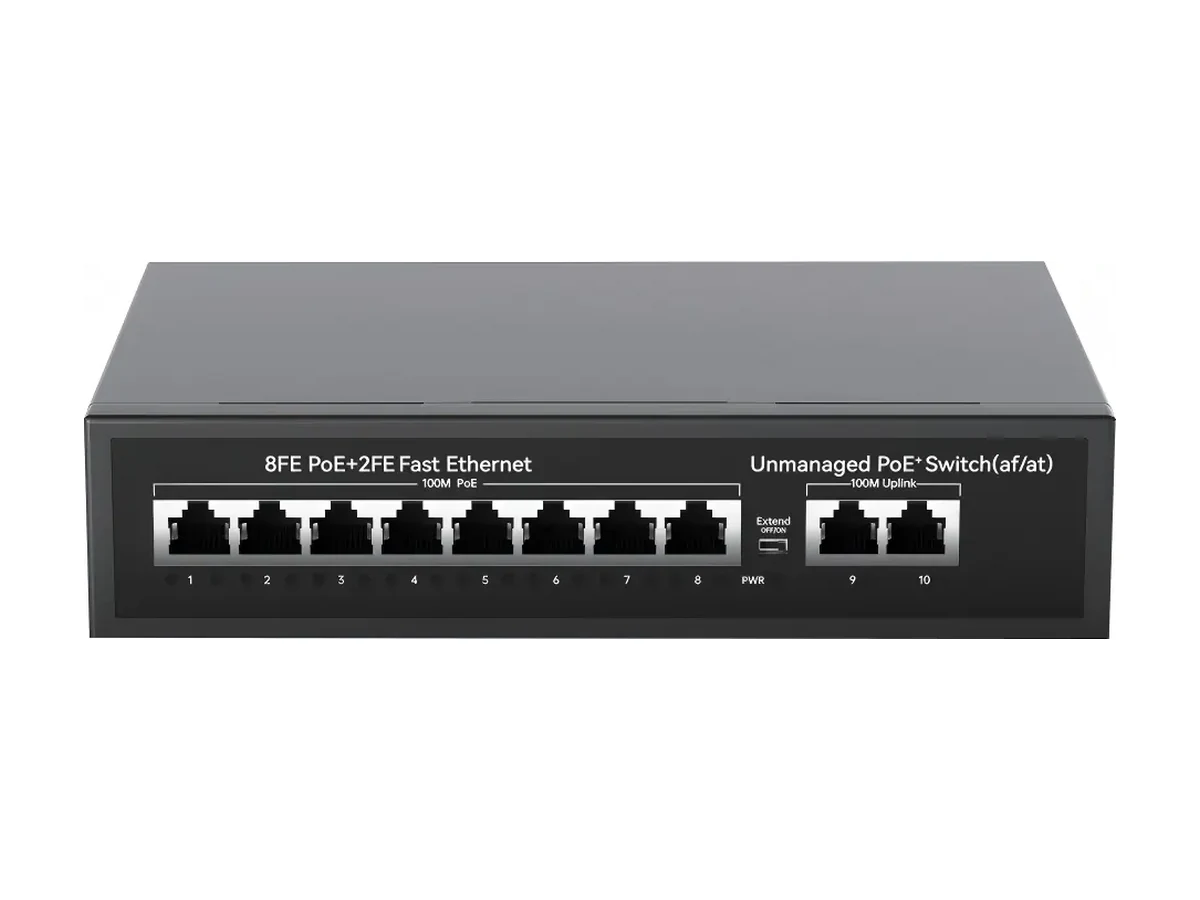
HX-X0802PG
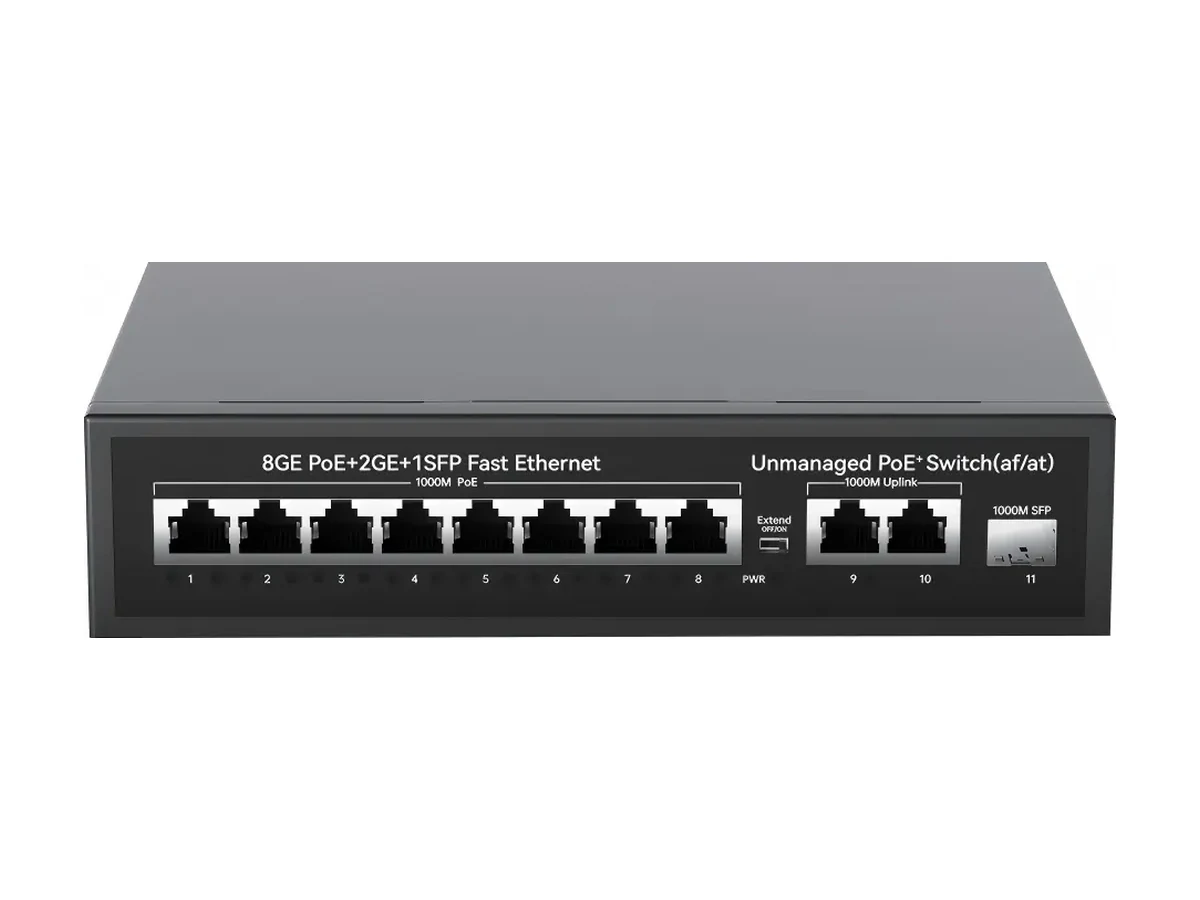
HX-X0803PEG
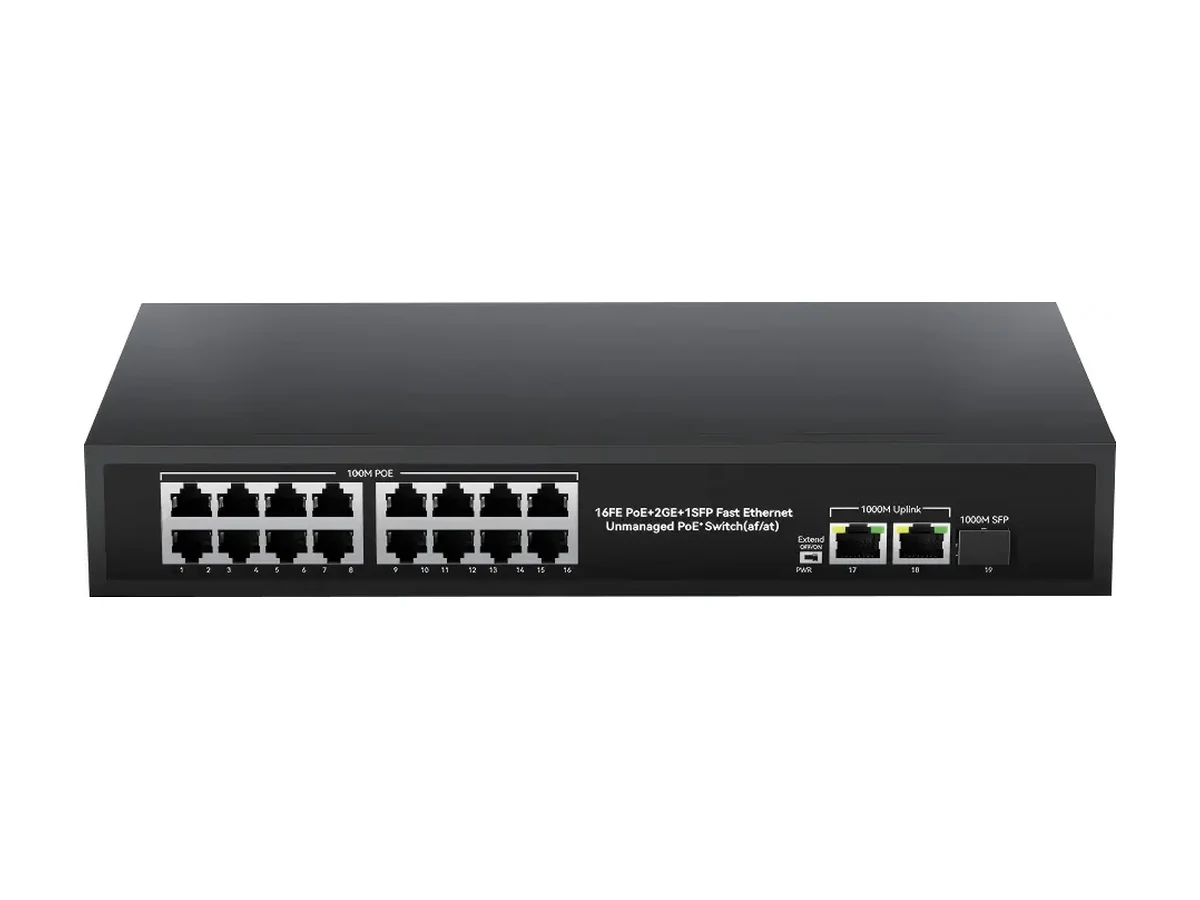
HX-X1603PE
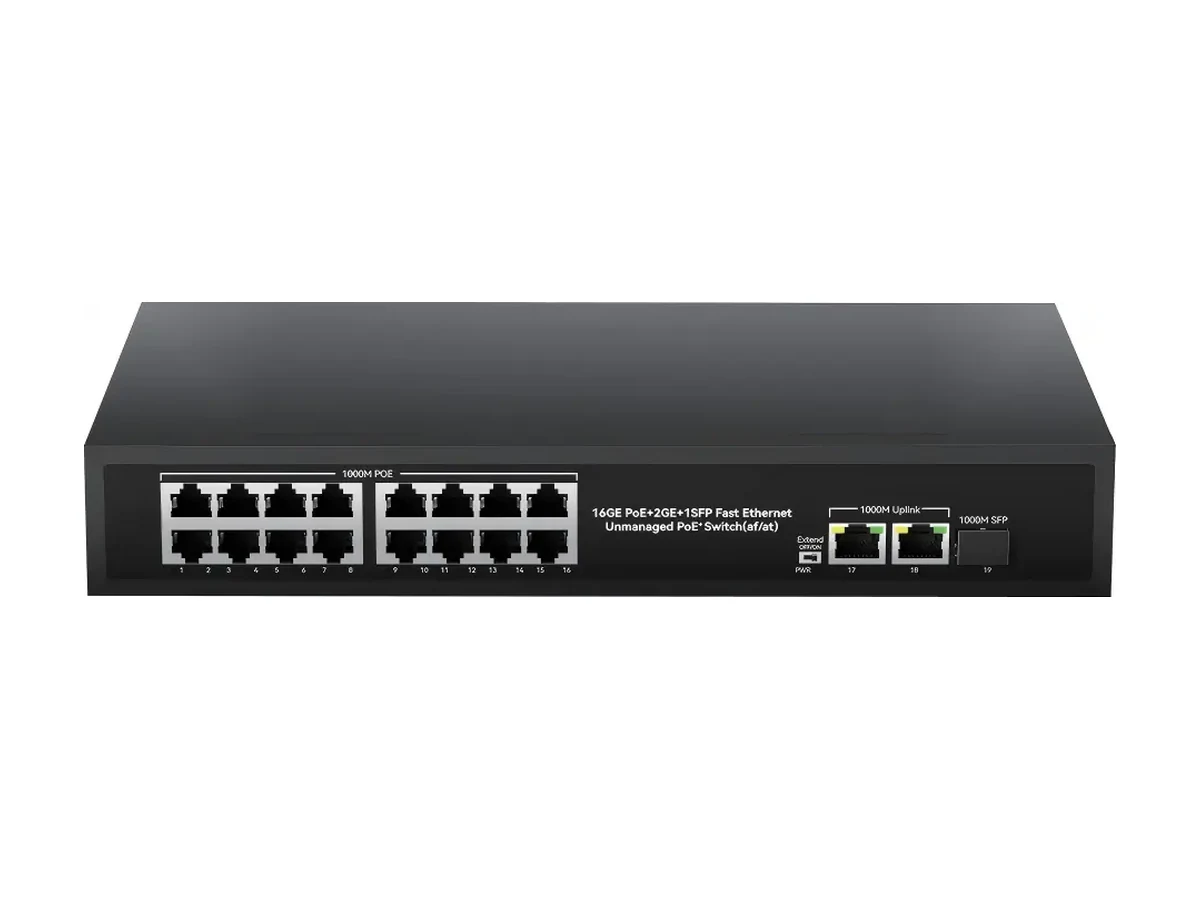
HX-X1603PEG
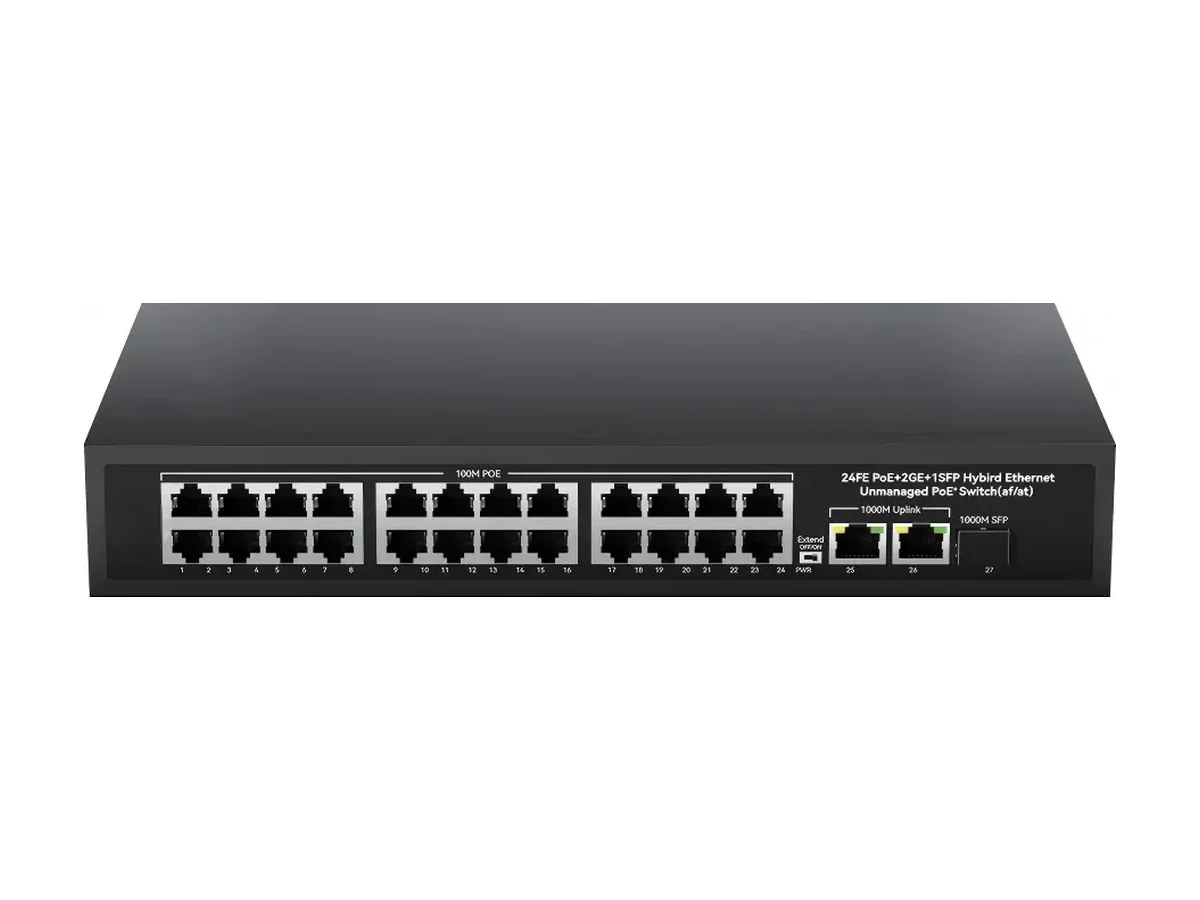
HX-X2403PE
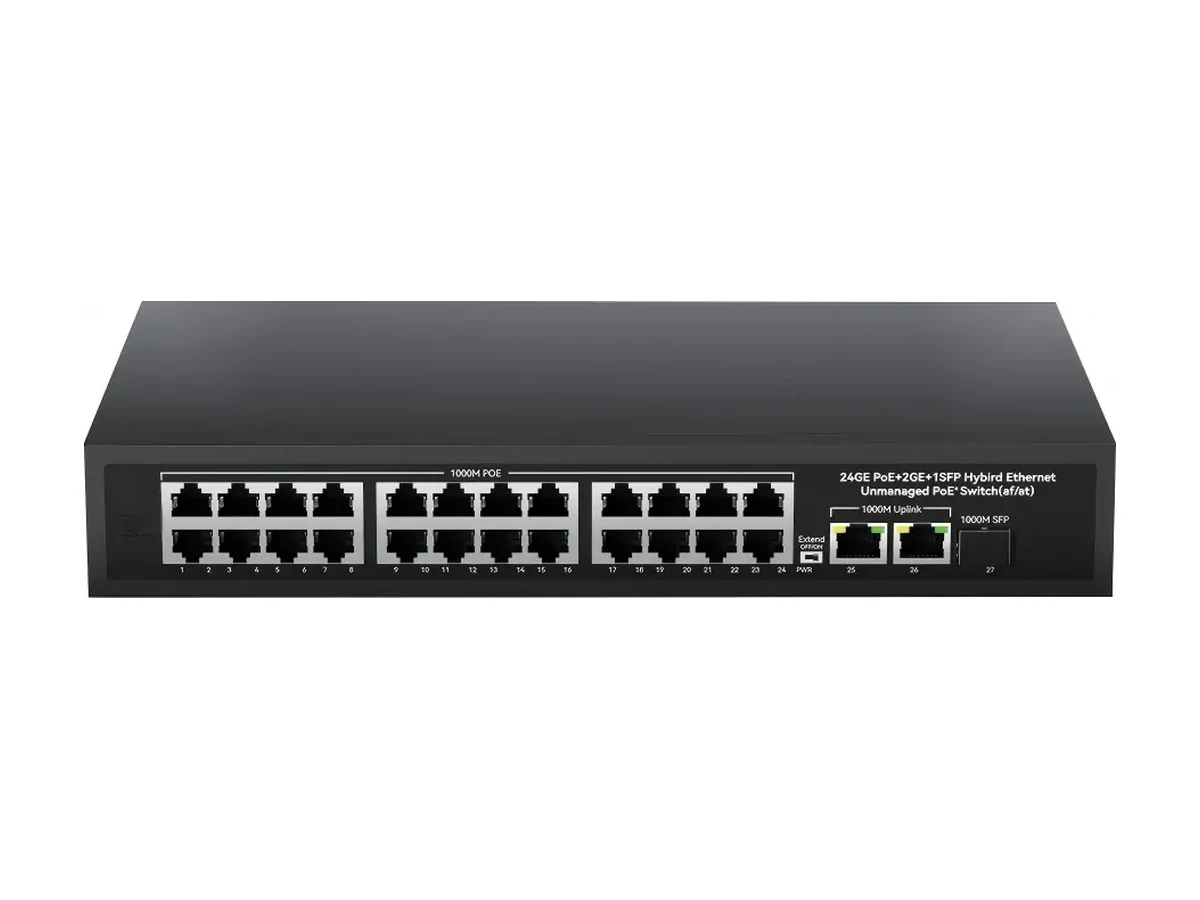
HX-X2403PEG
A camera site is the easiest PoE load to size, because almost every device is powered from the switch and the loads are stable — but it is also the least forgiving, because a camera that drops power is a camera that stops recording, and nobody notices until the footage is needed.
Three things separate a CCTV PoE switch from one powering access points or phones. The night load is higher than the day load, because IR illuminators switch on. The cameras are spread over long cable runs, so the far end of a run sees more voltage drop than the near end. And the whole site is often on one switch, so one power supply sizing mistake affects every camera at once.
The table in this section of the page is the short answer: for each model, the number of cameras it can power at four typical draws, with 20% reserve kept. The arithmetic is deliberately conservative — it never promises more devices than the unit has powered ports.
Where a site mixes device types, run the sum rather than the table: four PTZ heads at 25 W plus eight domes at 6 W is 148 W, which needs a 200 W budget with the reserve kept, and leaves five powered ports free on a 16-port unit.
For a site you are quoting now, put the numbers into the PoE budget calculator — it returns the models that cover the load with the reserve intact, and you can send the result straight to us as an RFQ.
Port count follows the camera count, with one or two spare. The smaller units are wall-mounted and fanless, which suits a shop, a gate or a single floor; the 16- and 24-port units are cabinet or rack hardware for a whole building.
The awkward size is 12 cameras: a 16-port unit leaves four spares and costs less than two 8-port units, but it puts all twelve cameras on one power supply. Where the site cannot tolerate that, two 8-port units in different cabinets is the usual compromise.
| Cameras on site | Typical switch | Reason |
|---|---|---|
| 1–4 | 4-port, 65 W | Gate, kiosk, small shop — one uplink back to the network |
| 5–8 | 8-port, 120 W | One floor or one yard, wall-mounted, fanless |
| 9–16 | 16-port, 200–330 W | Whole building, 16+2+1 with SFP for the backhaul |
| 17–24 | 24-port, 300–400 W | Largest single unit in this range, rack width |
An 8-port PoE switch with a 120 W budget covers eight fixed domes with plenty in hand (8 × 6 W = 48 W). If some of the eight are PTZ heads, the sum climbs to 150–200 W and you should move to a 16-port unit with a larger budget rather than run an 8-port unit at its ceiling.
Read the label or the datasheet: fixed domes are commonly 4–8 W, PTZ cameras with IR and heater 20–30 W, and multi-sensor or 4K models with active cooling can sit above 30 W. The IEEE classes cap what a port must supply (15.4 W for af, 30 W for at, 60 W for bt), not what the camera uses.
Not for the camera ports in most cases — a 4 Mbps 1080p stream does not fill a 100M port. Gigabit matters at the uplink once several streams share it, and for 4K or multi-sensor cameras. The gigabit range lists the models with gigabit access ports.
Not directly. A non-PoE camera needs its own supply, or a PoE splitter between the cable and the camera, which takes the 48 V PoE feed and outputs the DC voltage the camera expects. See the PoE splitter range for the voltage options.
The one whose budget covers the night load of your camera list with 20% spare and whose ports cover the count plus one or two spares. For most 8–16 camera sites that is an 8- or 16-port unit with SFP uplink; there is no single best model without the camera list.
Not from the switch port — 100 m is the Ethernet channel limit and PoE does not extend it. A PoE extender repeats data and power mid-span, or IP-over-coax converters reuse existing coax runs at up to 2 km.
Injectors are the cheap fix when an existing non-PoE switch is already installed and only one or two cameras need power. For a new installation with several cameras, a PoE switch is one device, one cable per camera and one thing to troubleshoot. The comparison is in injector vs switch.
The switch refuses power at start-up for the last devices in its priority order, or drops them under load. On a camera site that usually appears at dusk, when IR and heaters come on — cameras that worked all afternoon reboot in a loop. Size to the sum of the labels at peak.
20 models
Factory-direct PoE extenders — 20 models: mid-span repeaters that carry data and power past the 100 …
View category7 models
Factory-direct 8-port PoE switches: 7 models, 100M and gigabit access, {budget} budget, 8+2 copper o…
View category20 models
Factory-direct gigabit PoE switches: 20 models, 4–24 gigabit access ports, {budget} budgets, SFP upl…
View category