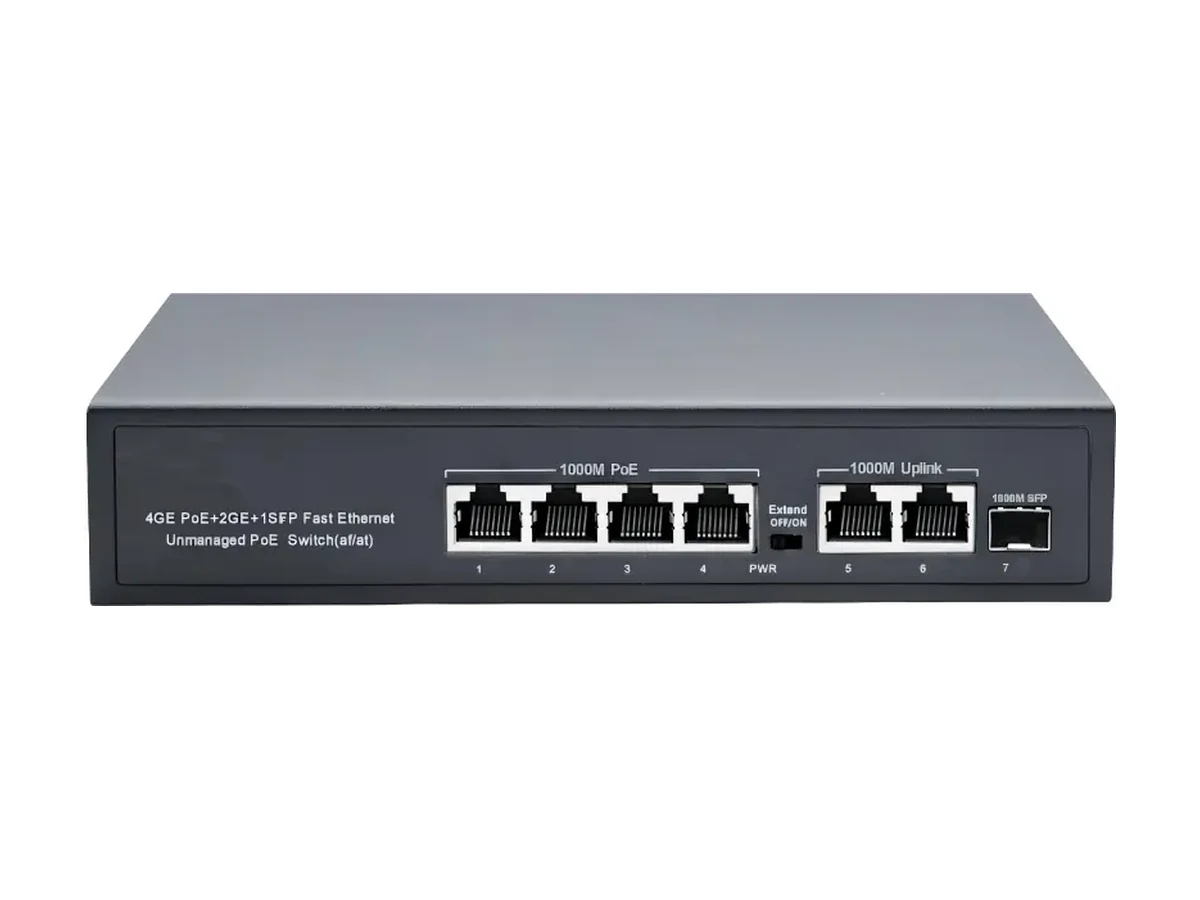
HX-0403PEG
4+2+1-Port Gigabit PoE Switch
- Ports
- 4
- Budget
- 65W
Product category
Quick answer
A gigabit PoE switch gives every powered port 10/100/1000Base-T instead of 100M. For cameras it changes little on the access side — a 4 Mbps stream fits either way — but it changes the uplink and it changes what the same cable can carry later. 7 models here run 65–400 W, from 4 to 24 powered ports.
The difference between a 100M and a gigabit PoE switch is not the picture quality. It is what happens when more than one stream shares a port, when a 4K or multi-sensor camera is fitted, and how long a firmware push takes across a site of twenty cameras.
The 7 gigabit models here run 65–400 W across 4 to 24 powered ports, with gigabit copper uplinks and, on most of them, a 1000Base-X SFP slot. Models with 100M access ports and only a gigabit uplink are deliberately excluded — and explained below.
Every figure below comes from the current product data. Click a model to open its full specification page.
| Model | Network Ports | Uplink Ports | Power |
|---|---|---|---|
| HX-0403PEG4+2+1-Port Gigabit PoE Switch | 4 × 10/100/1000Base-T(X) adaptive PoE Ethernet ports | 2 × 10/100/1000Base-T(X) adaptive Ethernet ports 1 × 1000Base-X SFP fiber port | 65W |
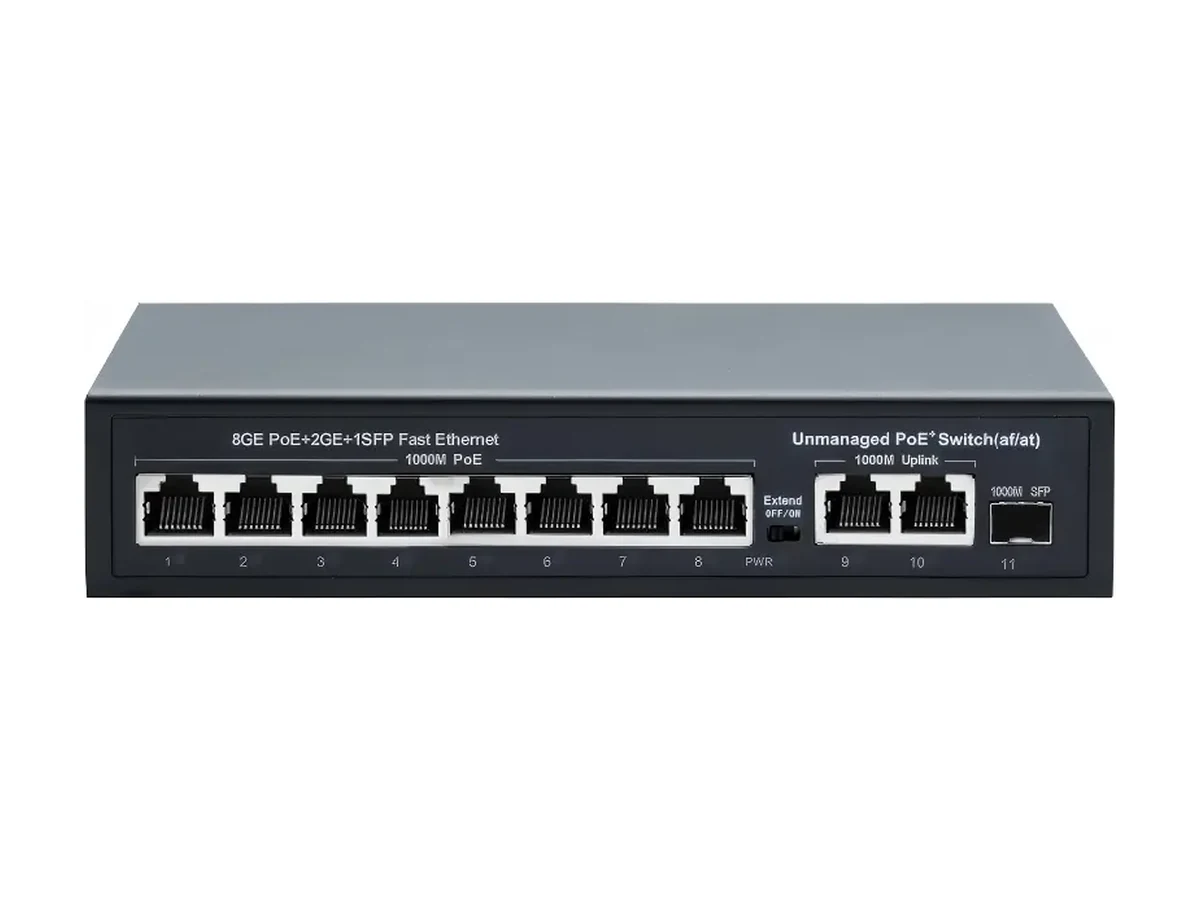
| HX-0803PEG8+2+1-Port Gigabit PoE Switch | 8 × 10/100/1000Base-T(X) adaptive PoE Ethernet ports | 2 × 10/100/1000Base-T(X) adaptive Ethernet ports 1 × 1000Base-X SFP fiber port | 120W |
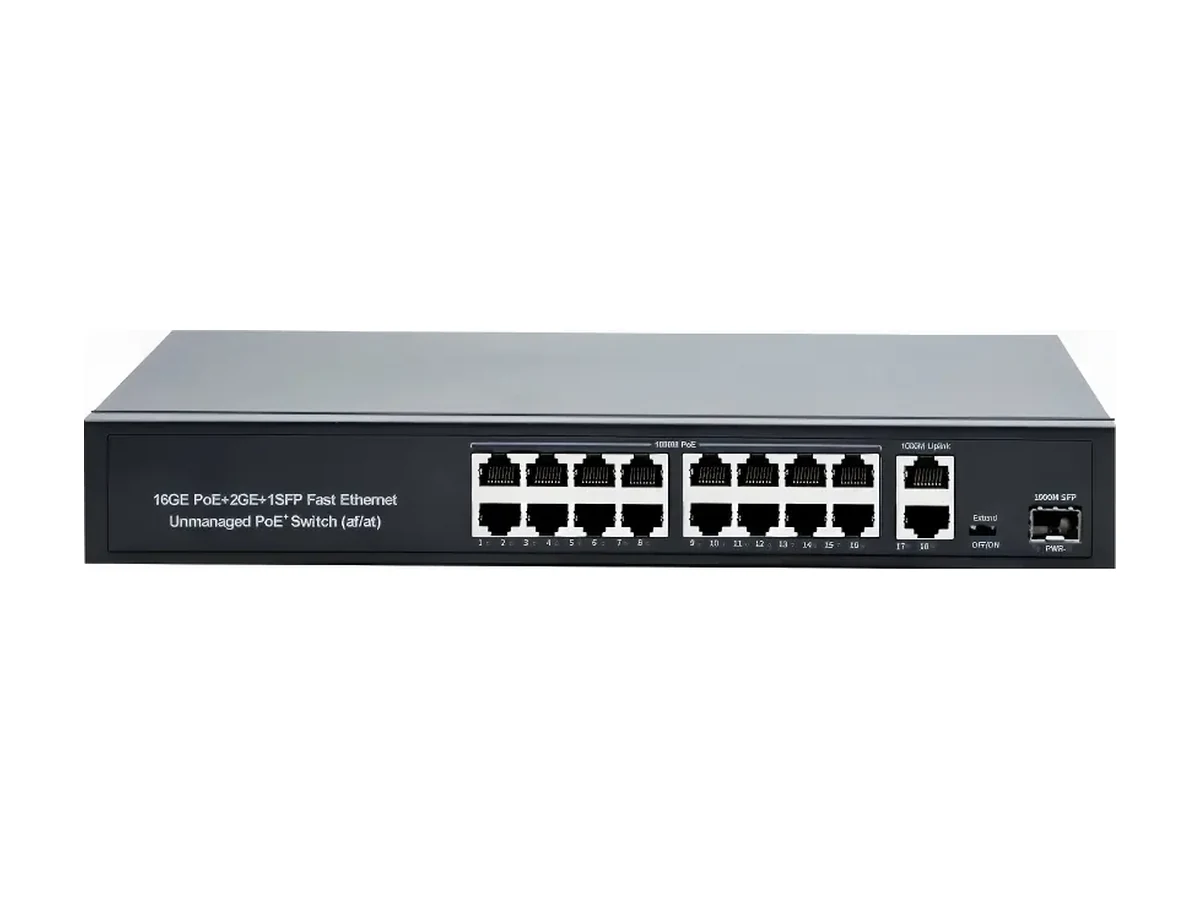
| HX-1603PEG16+2+1-Port Gigabit PoE Switch | 16 × 10/100/1000Base-T(X) adaptive PoE Ethernet ports | 2 × 10/100/1000Base-T(X) adaptive Ethernet ports 1 × 1000Base-X SFP fiber port | 330W |
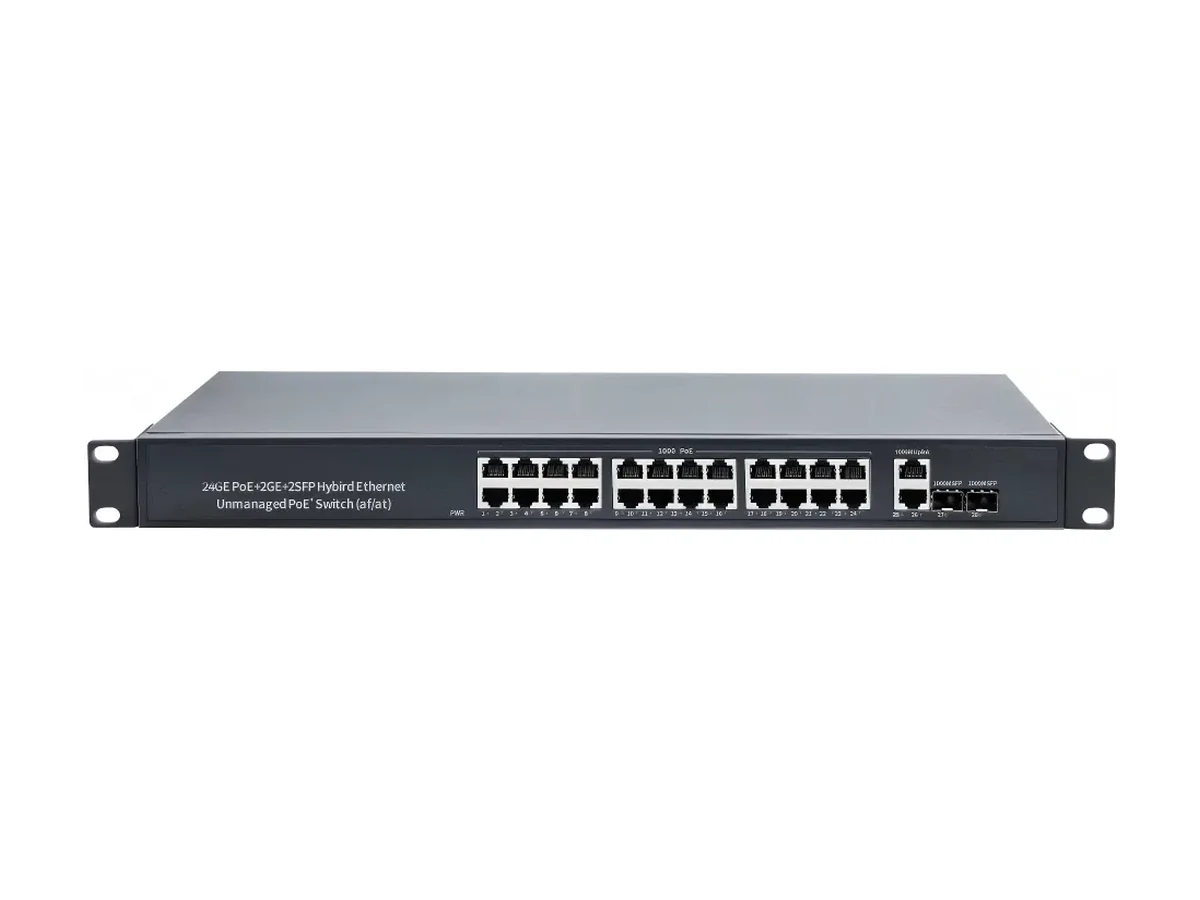
| HX-2404PEG24+2+2-Port Gigabit PoE Switch | 24 × 10/100/1000Base-T(X) adaptive PoE Ethernet ports | 2 × 10/100/1000Base-T(X) adaptive Ethernet ports 2 × 1000Base-X SFP fiber port | 400W |
| HX-X0803PEG8+2+1-Port Gigabit PoE Switch | 8 × 10/100/1000Base-T(X) adaptive PoE Ethernet ports | 2 × 10/100/1000Base-T(X) adaptive Ethernet ports 1 × 1000Base-X SFP fiber port | 120W |
| HX-X1603PEG16+2+1-Port Gigabit PoE Switch | 16 × 10/100/1000Base-T(X) adaptive PoE Ethernet ports | 2 × 10/100/1000Base-T(X) adaptive Ethernet ports 1 × 1000Base-X SFP fiber port | 200W |
| HX-X2403PEG24+2+1-Port Gigabit PoE Switch | 24 × 10/100/1000Base-T(X) adaptive PoE Ethernet ports | 2 × 10/100/1000Base-T(X) adaptive Ethernet ports 1 × 1000Base-X SFP fiber port | 300W |
Calculated from the published budget of each model with a 20% reserve kept for PoE start-up surge, IR load at night and ageing. The figure is capped by the powered-port count, so it never promises more devices than there are ports. Budgets are pooled — one 25 W PTZ takes what several 6 W domes would.
| Model | PoE ports | Budget | Fixed dome6 W label | Wireless AP8 W label | 802.3af device15.4 W class | PTZ / 802.3at device25.4 W class |
|---|---|---|---|---|---|---|
| HX-0403PEG4+2+1-Port Gigabit PoE Switch | 4 | 65 W | 4 | 4 | 3 | 2 |
| HX-0803PEG8+2+1-Port Gigabit PoE Switch | 8 | 120 W | 8 | 8 | 6 | 3 |
| HX-X0803PEG8+2+1-Port Gigabit PoE Switch | 8 | 120 W | 8 | 8 | 6 | 3 |
| HX-X1603PEG16+2+1-Port Gigabit PoE Switch | 16 | 200 W | 16 | 16 | 10 | 6 |
| HX-1603PEG16+2+1-Port Gigabit PoE Switch | 16 | 330 W | 16 | 16 | 16 | 10 |
| HX-X2403PEG24+2+1-Port Gigabit PoE Switch | 24 | 300 W | 24 | 24 | 15 | 9 |
| HX-2404PEG24+2+2-Port Gigabit PoE Switch | 24 | 400 W | 24 | 24 | 20 | 12 |
Method: floor(budget × 0.8 ÷ device draw), capped at the powered-port count.Run your own numbers in the PoE budget calculator →
HX-0403PEG
HX-0803PEG
HX-1603PEG
HX-2404PEG
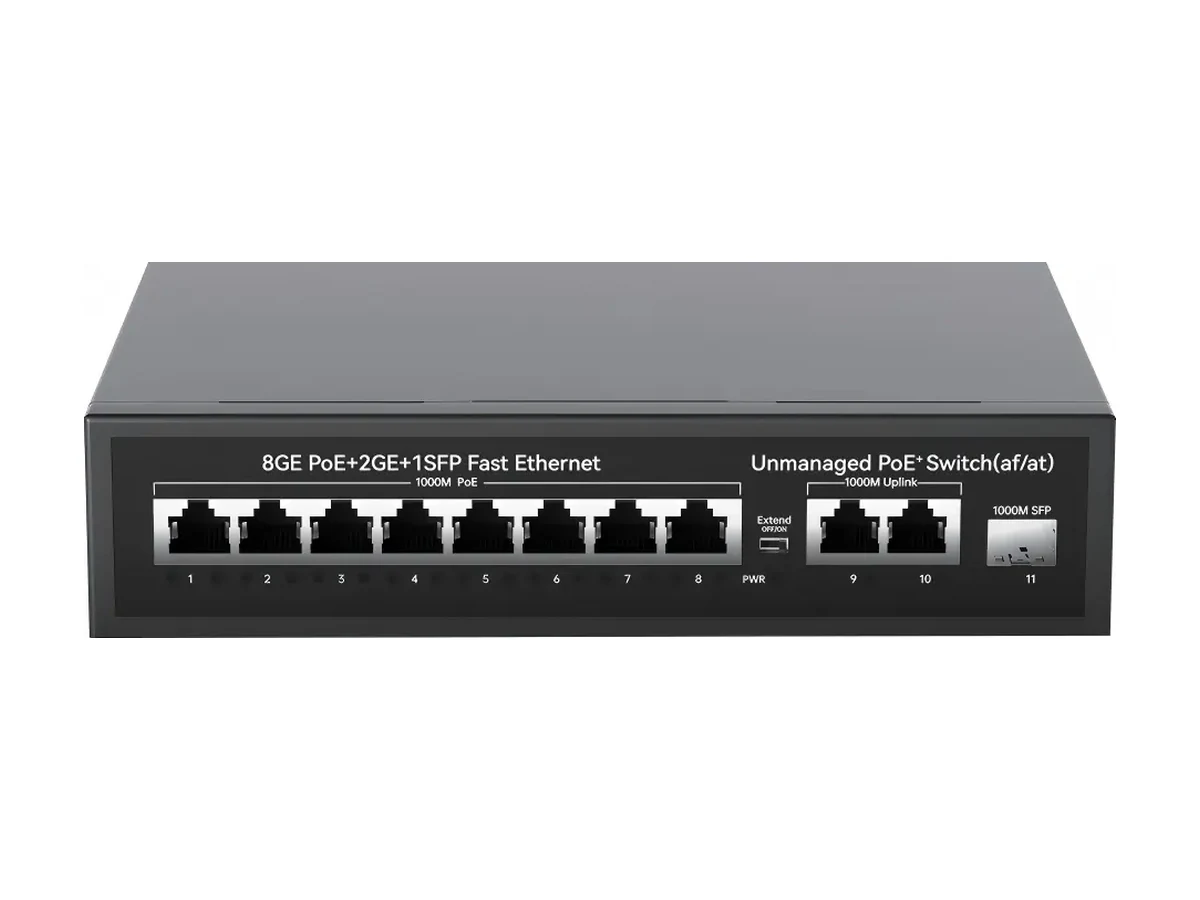
HX-X0803PEG
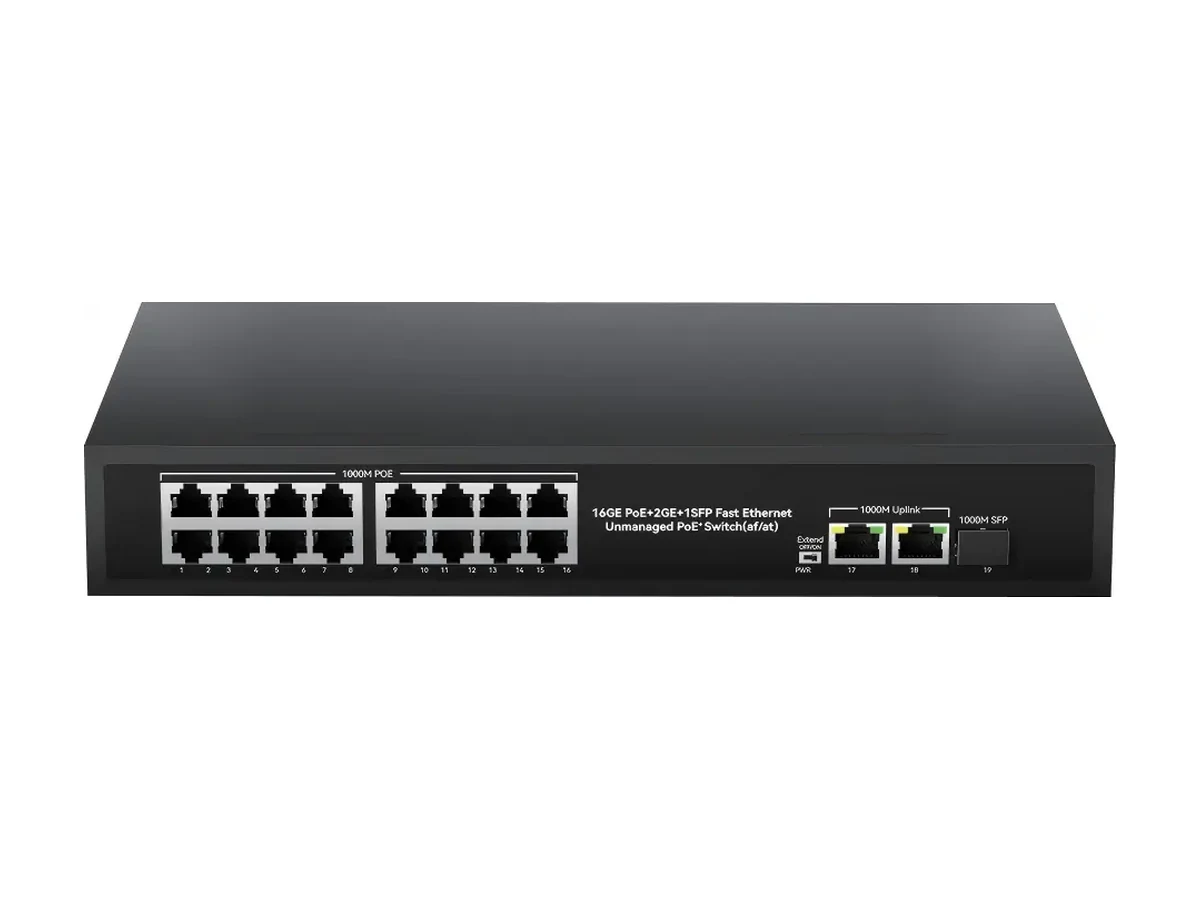
HX-X1603PEG
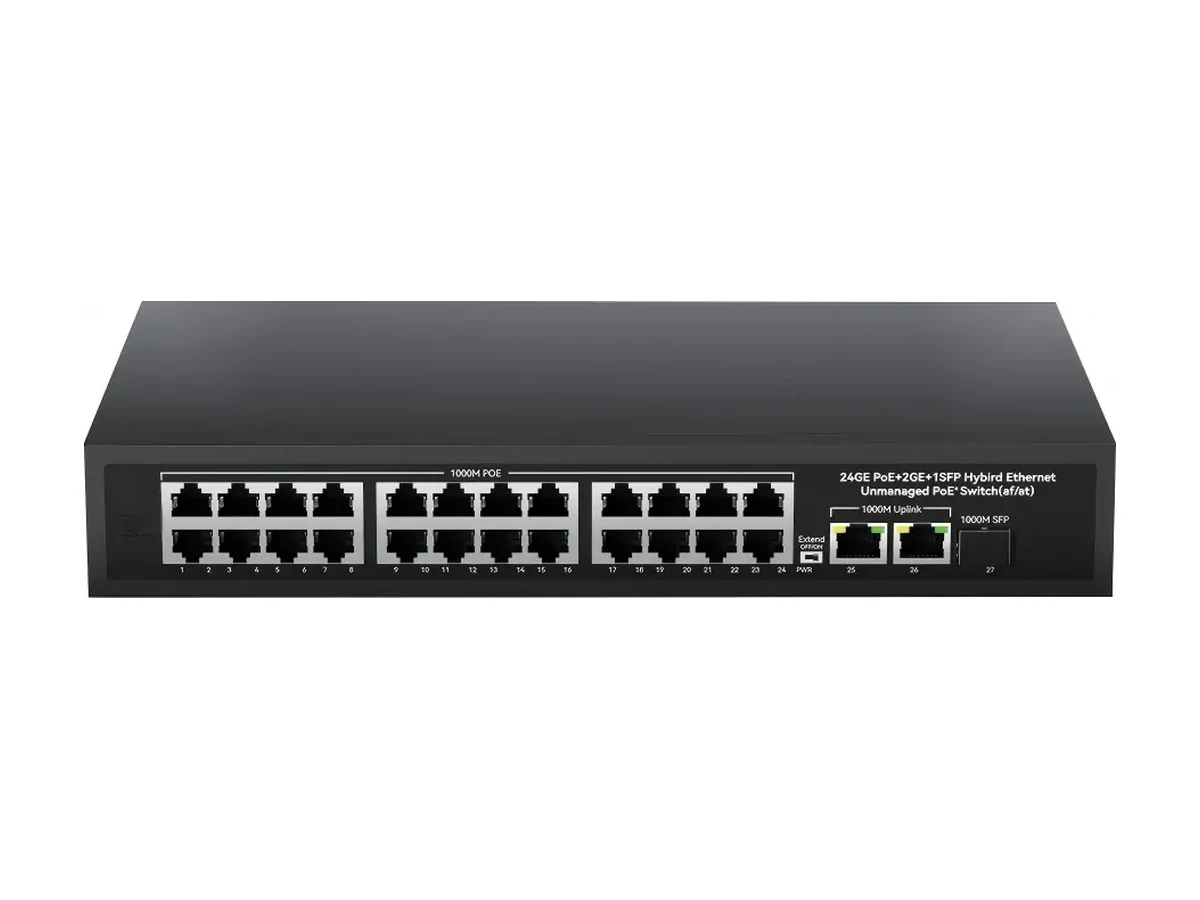
HX-X2403PEG
Suppliers describe both arrangements as "gigabit", and the difference only shows up in the field. A unit with 100M access ports and a gigabit uplink is a perfectly good switch — the aggregate of several 100M camera ports can leave through one gigabit link — but each individual camera is still capped at 100 Mbps, and any device that needs more than that on a single port will negotiate down.
On this page the filter is applied to the access ports only, which is why some models with a gigabit SFP or copper uplink do not appear. If what you need is the uplink rather than the access speed, the PoE switches with SFP uplink page lists the larger set.
| Requirement | What to look for | Where to go |
|---|---|---|
| Each camera port must be 1 Gbps | Network ports marked 10/100/1000Base-T(X) | This page — 4, 8, 16 and 24-port gigabit models |
| Only the backhaul must be fast | 100M access + gigabit copper or SFP uplink | PoE switches with SFP uplink |
| Long or inter-building backhaul | 1000Base-X SFP slot | PoE switches with SFP uplink |
| More powered ports at gigabit | 24-port gigabit, 300–400 W | 24-port PoE switch |
A 1080p camera at 4 Mbps uses 4% of a 100M port. On a twelve-camera site where each camera has its own port, 100M access is not the bottleneck and the saving is real.
It stops being true in four situations: 4K and multi-sensor cameras on a single port; several cameras behind one port through a non-PoE switch or a daisy chain; NVR playback over the uplink while live traffic continues; and large firmware updates pushed across a site at once. Any one of those is an argument for gigabit at the point where the traffic piles up — which is usually the uplink, not the camera port.
For the camera ports, usually not — a 1080p stream is a few Mbps. For the uplink, yes: sixteen or twenty-four streams plus playback exceed what a shared 100M link handles comfortably. Buy gigabit where the traffic aggregates.
Access speed. A gigabit uplink switch with 100M camera ports gives the aggregate a fast path out of the box, but each camera stays at 100 Mbps. A gigabit PoE switch gives every powered port 10/100/1000Base-T. Both are legitimate products; they are not the same specification.
The data side adds a little, but the PoE budget is unchanged — it is set by the power supply, not by the port speed. A 400 W gigabit unit powers exactly what a 400 W 100M unit powers.
The 16-port and 24-port gigabit units reach 330 W and 400 W. The 4- and 8-port gigabit models run at 65 W and 120 W, which is the same power as their 100M equivalents — gigabit does not buy watts.
Yes. Every port auto-negotiates, so a 100M camera connects at 100M on a gigabit port without configuration. The uplink runs at the speed both ends support.
Cat5e carries gigabit and PoE over 100 m and is the minimum. Cat6 gives more headroom for long runs and future 2.5G, and is worth it in new installations where the cable is the expensive part rather than the switch.
20 models
Factory-direct PoE switches — 20 models: {ports} ports, 100M and gigabit, SFP uplinks, {budget} budg…
View category20 models
A PoE switch for IP cameras, sized by camera count and watts: 20 models, 4–24 ports, {budget} budget…
View category20 models
Factory-direct PoE switches with SFP uplink: 20 models, {budget} budgets, one or two 1000Base-X slot…
View category